Phone:
+8618098949445
Physical address:
604, Building 1, Sanyu Industrial Park, Xinwei Fourth Industrial Zone, Xinzhuang Community, Majan Street, Guangming District, Shenzhen

Phone:
+8618098949445
Physical address:
604, Building 1, Sanyu Industrial Park, Xinwei Fourth Industrial Zone, Xinzhuang Community, Majan Street, Guangming District, Shenzhen

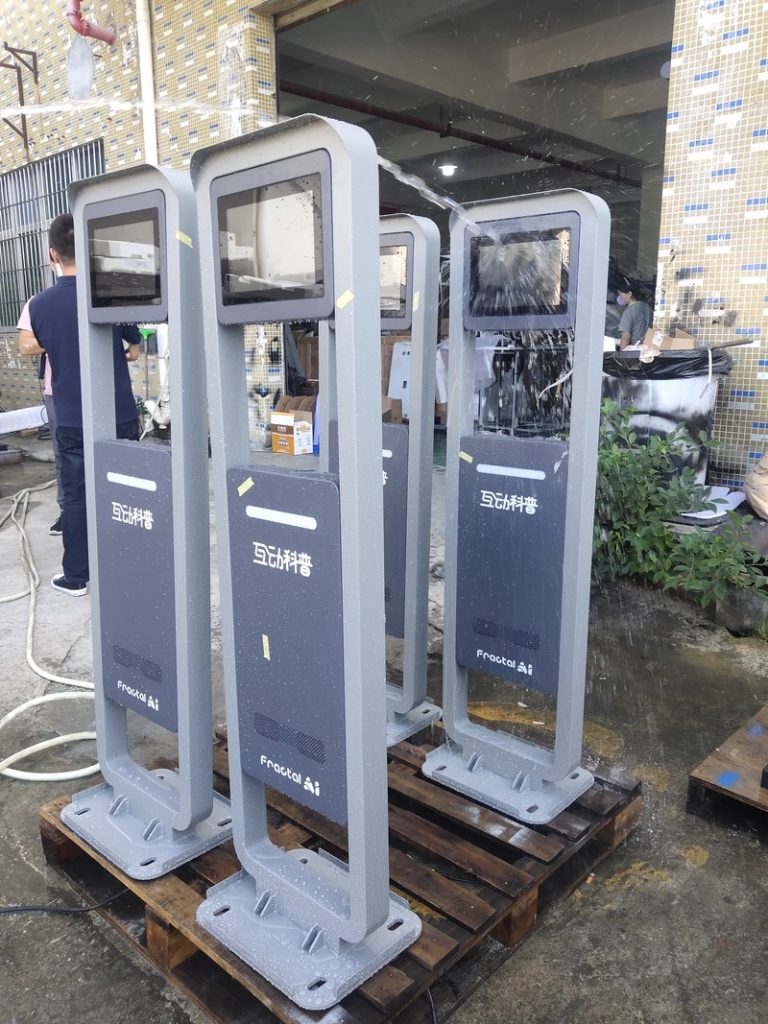
When inquiring about outdoor digital signage kiosks, commercial clients consistently follow pricing and brightness inquiries with an essential operational question: How much electrical power does this display consume per day?
This question cannot be answered with a single universal figure. Under the umbrella of ‘outdoor digital signage,’ a compact low-brightness display and a large-format high-brightness kiosk equipped with internal air conditioning can differ in power consumption by several multiples. Below is a comprehensive breakdown of factors governing power draw, along with practical guidelines for estimating electrical operating costs.
The power consumption of outdoor digital signage ranges from several hundred watts to over a kilowatt. As screen size expands, luminance increases, and thermal management becomes more complex, power draw rises accordingly. For precise engineering figures, consult official technical datasheets, which specify rated operational power and peak power loads.
The following core factors determine where a display falls within this power spectrum:
Larger display diagonals require expansive backlight arrays to illuminate greater surface area, naturally increasing electrical load. At identical brightness levels, the power consumption gap between a 43-inch and a 75-inch outdoor panel is substantial.
Luminance is the defining characteristic of outdoor displays. To preserve sunlight readability, outdoor kiosks operate at several times the brightness of indoor displays, with ratings of 2,000 to 3,000 nits common. Elevated luminance requires higher drive currents across LED backlights, directly increasing power consumption while generating additional internal thermal output.
Consequently, an outdoor high-brightness kiosk consumes significantly more power than an indoor screen of identical size—representing the primary driver of the power differential between indoor and outdoor commercial signage.
The thermal energy generated by high-brightness backlights and solar absorption must be dissipated continuously. Intelligent fan-cooled systems draw modest power; however, kiosks equipped with internal compressor air conditioning run active refrigeration and heating cycles, adding several hundred watts of auxiliary power load—particularly during blistering summer heat or freezing winters.
When reviewing technical specifications, clarify whether the stated wattage covers only the display and controller or includes active climate control systems, and whether it represents rated operational draw or peak surge load.
Datasheet wattage serves as an engineering baseline; real-world power consumption fluctuates dynamically with operating conditions:
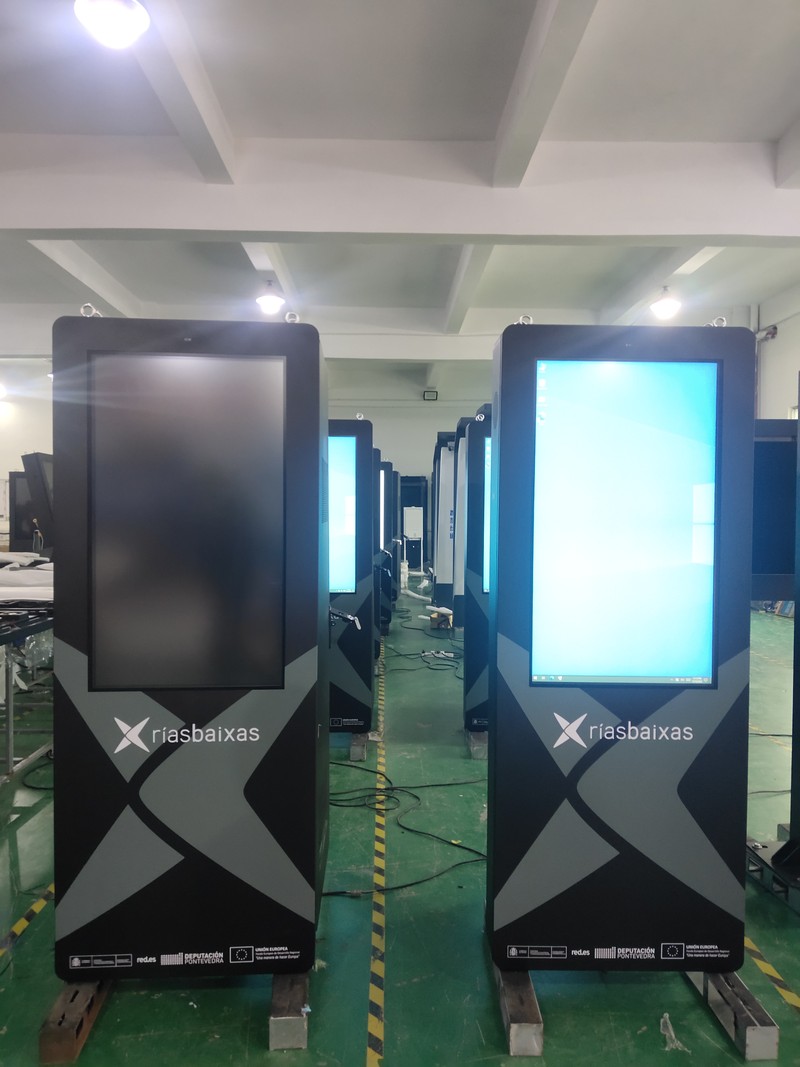
During bright daytime sunshine, displays operate at elevated luminance, drawing peak power; at night, automated dimming significantly reduces power consumption. Displayed visual media also plays a role: bright, pure-white graphic backgrounds draw more current than darker palettes. Furthermore, internal climate control cycles more frequently under extreme weather, and longer daily operating hours naturally increase cumulative kilowatt-hours.
Interactive touch overlays, dual-sided displays, external peripheral integrations, and onboard battery charging modules add incremental electrical draw. For battery-powered models, power consumption during charging differs from unpowered battery playback and should be evaluated separately.
When reviewing product datasheets, distinguish between key power terms:
Rated Power represents typical power consumption under standard operational conditions, used to estimate ongoing monthly electrical utility costs. Maximum (Peak) Power represents peak power draw under maximum load (100% luminance with all cooling and heating active), used to specify electrical conduit sizing, circuit breaker ratings, and power distribution infrastructure with safety margins. Standby Power denotes passive power draw during scheduled sleep hours.
Additionally, confirm testing conditions: at what brightness setting and ambient temperature was power measured, and was the thermal system active? Inconsistent test benchmarks cannot be compared directly.
Calculating electrical operating costs is straightforward:
Daily Energy Consumption (kWh) = Average Power (kW) × Daily Operating Hours. Total Cost = Daily kWh × Commercial Utility Rate ($/kWh).
For example: if a display operates at an average load of 0.5 kW for 12 hours per day, daily consumption is 6 kWh. Over a 30-day month, consumption totals 180 kWh. Multiplying by your local commercial electrical tariff yields estimated monthly utility costs.
Ensure calculations utilize ‘average power’ rather than maximum peak power, as displays rarely operate at peak load continuously, particularly with automated nighttime dimming. For precision budgeting, consult suppliers for multi-tier brightness wattage or perform field measurements with an inline power meter.
When deploying multiple displays, sum cumulative power loads while factoring in electrical distribution safety margins.
Electrical power considerations impact both operating budgets and physical safety. When specifying wiring gauge, circuit breakers, and power distribution boxes, always calculate capacity based on maximum peak power with safety headroom rather than average load. This is essential when multiple kiosks share a single electrical branch circuit.
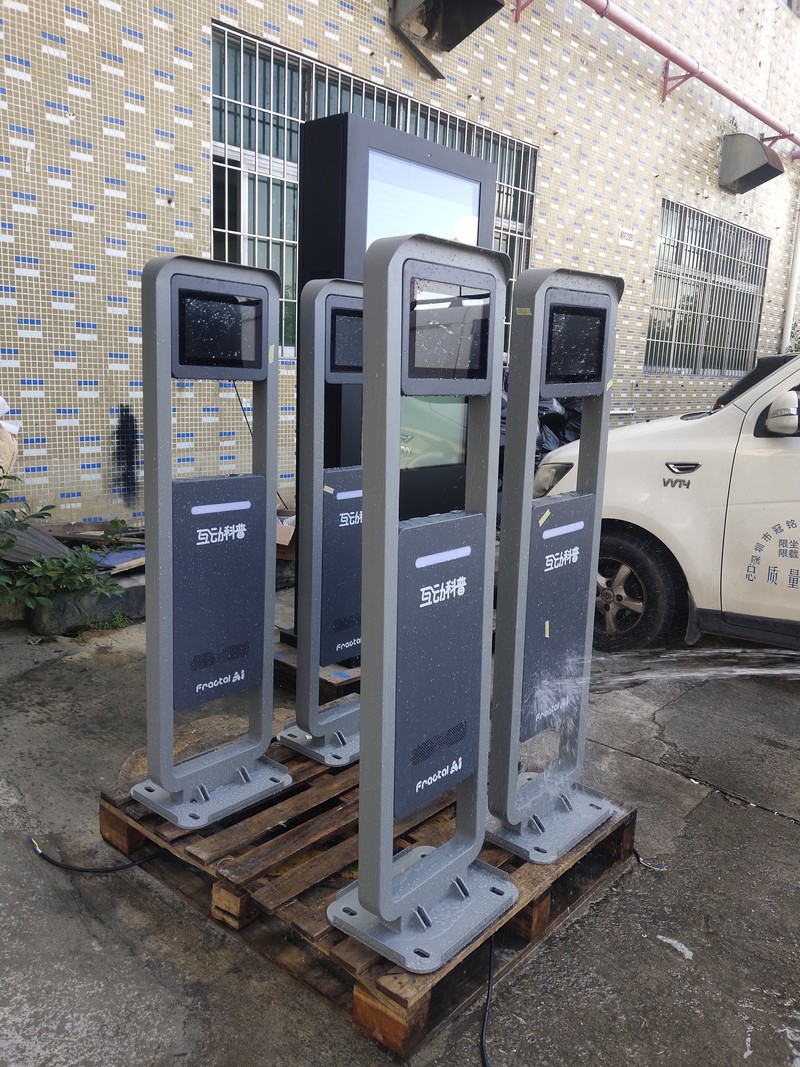
Outdoor deployments also require surge suppression, earth grounding, and voltage regulation designed to local electrical safety standards by certified electrical contractors.
Program Automated Ambient Dimming: Maximize brightness during bright daylight and dim output at dusk and night; automated light sensors execute this seamlessly while extending backlight lifespan.
Configure Automated Power Timers: Power down kiosks outside operating hours, or lower luminance during late-night hours when foot traffic subsides.
Avoid Over-Specifying Peak Brightness: If kiosks are deployed beneath architectural canopies, moderate brightness (e.g., 1,500–2,000 nits) provides ample visibility while conserving power and procurement cost.
Optimize Media Content Design: Avoid continuous pure-white backgrounds where darker, dynamic palettes achieve equal or superior visual contrast with lower power draw.
Optimize Physical Airflow: Avoid unshaded, direct-solar positions where possible, maintaining generous ventilation space around the chassis to ease the workload on internal cooling systems.
Evaluate Off-Grid Power Options: In locations where electrical trenching is cost-prohibitive, evaluate battery-powered or solar-assisted models, verifying battery runtime against operational duty cycles.
Do outdoor digital signage kiosks consume more power than indoor screens? Generally, yes. High-brightness backlights (2,000–3,000 nits) and active thermal cooling systems require higher operational wattage than indoor displays of the same diagonal size.
Does air-conditioned outdoor digital signage draw significantly higher power? Compressor air conditioning units add auxiliary power load when active, governed by external ambient temperatures. In mild climates, cooling cycles run less frequently.
How can operators accurately forecast monthly electricity costs? Budgeting requires calculating average operating wattage, daily operational hours, automated dimming schedules, and local commercial electricity tariffs using the formula above.
Does the nameplate wattage indicate actual continuous power consumption? Not entirely. Nameplate ratings typically specify rated or peak surge power; real-world consumption varies dynamically with ambient lighting and temperature, averaging lower than maximum values.
The power consumption of outdoor digital signage is not a fixed number; it is shaped by screen size, luminance, thermal architecture, ambient climate, and operational schedules. Examining rated versus peak wattage, estimating electricity costs via average load, and designing electrical infrastructure to peak capacity guarantees operational safety and financial clarity.
ZXTLCD specializes in the design and manufacturing of outdoor commercial LCD displays, offering freestanding pedestals, wall-mounted kiosks, interactive touch units, battery-powered mobile models, and solar-assisted configurations tailored to project requirements. If you require detailed power specifications and electrical requirements for your project, share your screen dimensions, unit counts, and deployment scenarios with our engineering team. Official website: www.outdoorlcddisplays.com
If you are sourcing high-reliability outdoor digital signage hardware, consider these commercial specifications:
ZXTLCD provides comprehensive ODM/OEM manufacturing for outdoor displays—including sunlight-readable brightness up to 4000 nits, IP65/IP66 weatherproof enclosures, intelligent temperature management, and integrated remote CMS.