Phone:
+8618098949445
Physical address:
604, Building 1, Sanyu Industrial Park, Xinwei Fourth Industrial Zone, Xinzhuang Community, Majan Street, Guangming District, Shenzhen

Phone:
+8618098949445
Physical address:
604, Building 1, Sanyu Industrial Park, Xinwei Fourth Industrial Zone, Xinzhuang Community, Majan Street, Guangming District, Shenzhen

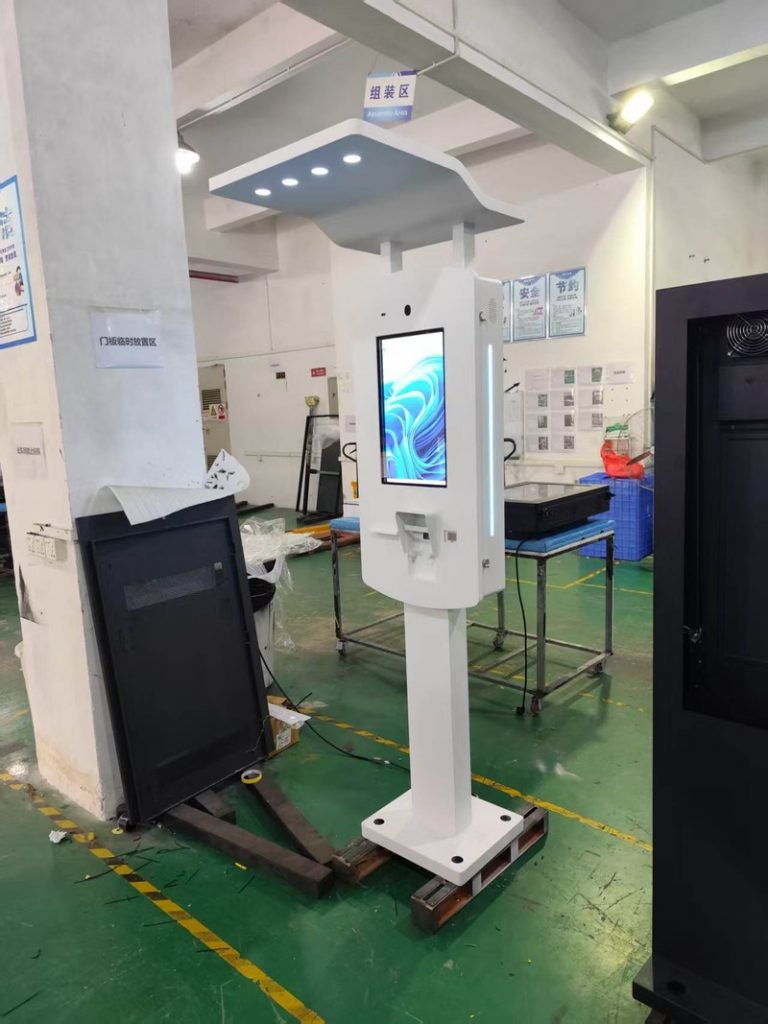
Driven by rapid technological advancements, commercial digital signage has steadily expanded from indoor environments into the outdoor arena. Display manufacturers and media operators are increasingly investing in outdoor digital advertising networks.
Outdoor advertising kiosks are now widely deployed along public bus shelters, commercial office entrances, retail shopping plazas, and airport portals.
However, in field operations, operators occasionally discover non-functional touch kiosks: screens unresponsive to touch gestures, severe calibration offsets, or system lockups. Below is an engineering troubleshooting guide detailing common outdoor digital signage faults and corrective actions.
Cause A: The touchscreen controller received spurious touch signals before the operating system completed loading touchscreen drivers during host startup. Solution: Power down, reboot the host system, and execute touch recalibration without touching the screen during boot.
Cause B: On surface acoustic wave (SAW) or optical touch screens, dust and environmental grime have accumulated along the reflection acoustic stripes around the screen perimeter over time. Although certain zones may register touches, calibration fails. Solution: Wipe the perimeter reflection stripes gently using a dry, soft microfiber cloth, reboot the host, and recalibrate.
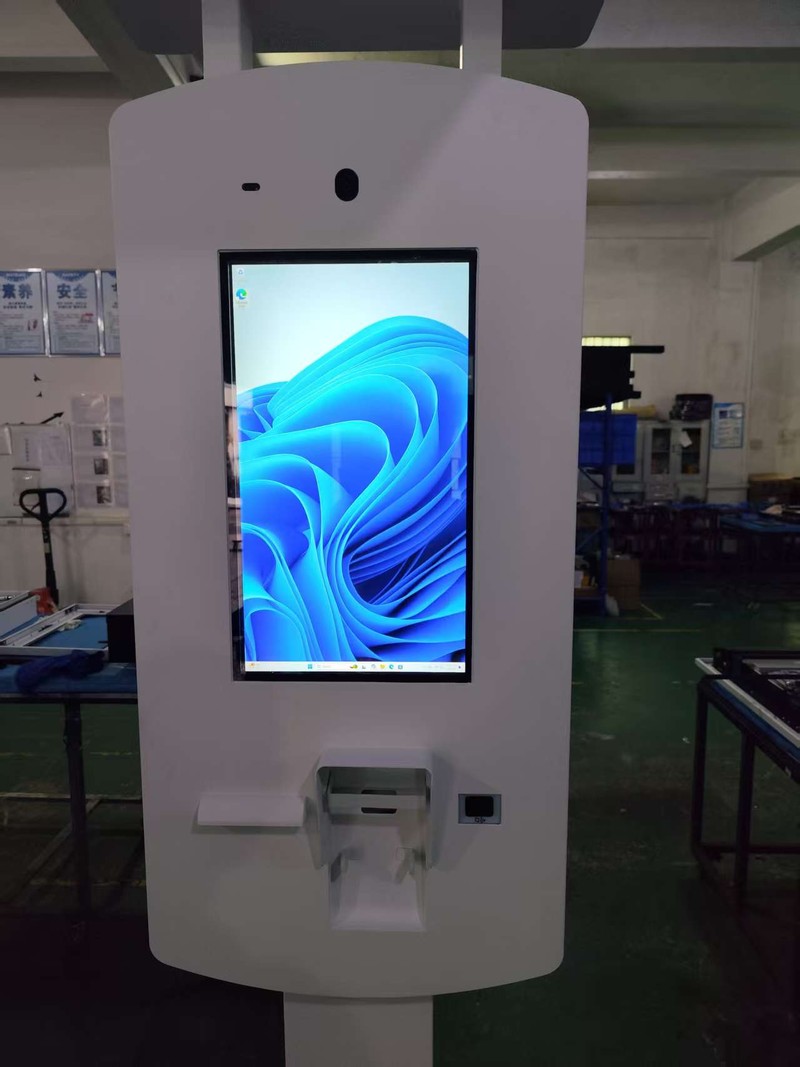
Cause A: A communication cable linking the touch overlay to the internal PC host (such as a USB or keyboard-port interface) is disconnected or loose. Solution: Inspect and firmly reseat all touch interface cabling.
Cause B: The touch driver software is misconfigured or assigned to an incorrect serial COM / USB port. Solution: Reinstall the official vendor touch driver and assign the correct communication port.
Cause A: Dust accumulation across reflection stripes on surface acoustic wave touch screens impairs signal reception. Solution: Clean the perimeter acoustic stripes with a dry cloth and recalibrate.
Cause B: Physical scratches or damage along the acoustic reflection stripes cannot be repaired in the field. Safety Note: If troubleshooting steps do not resolve touch issues, do not attempt unauthorized disassembly. Contact certified outdoor signage technicians to prevent safety hazards or equipment damage.
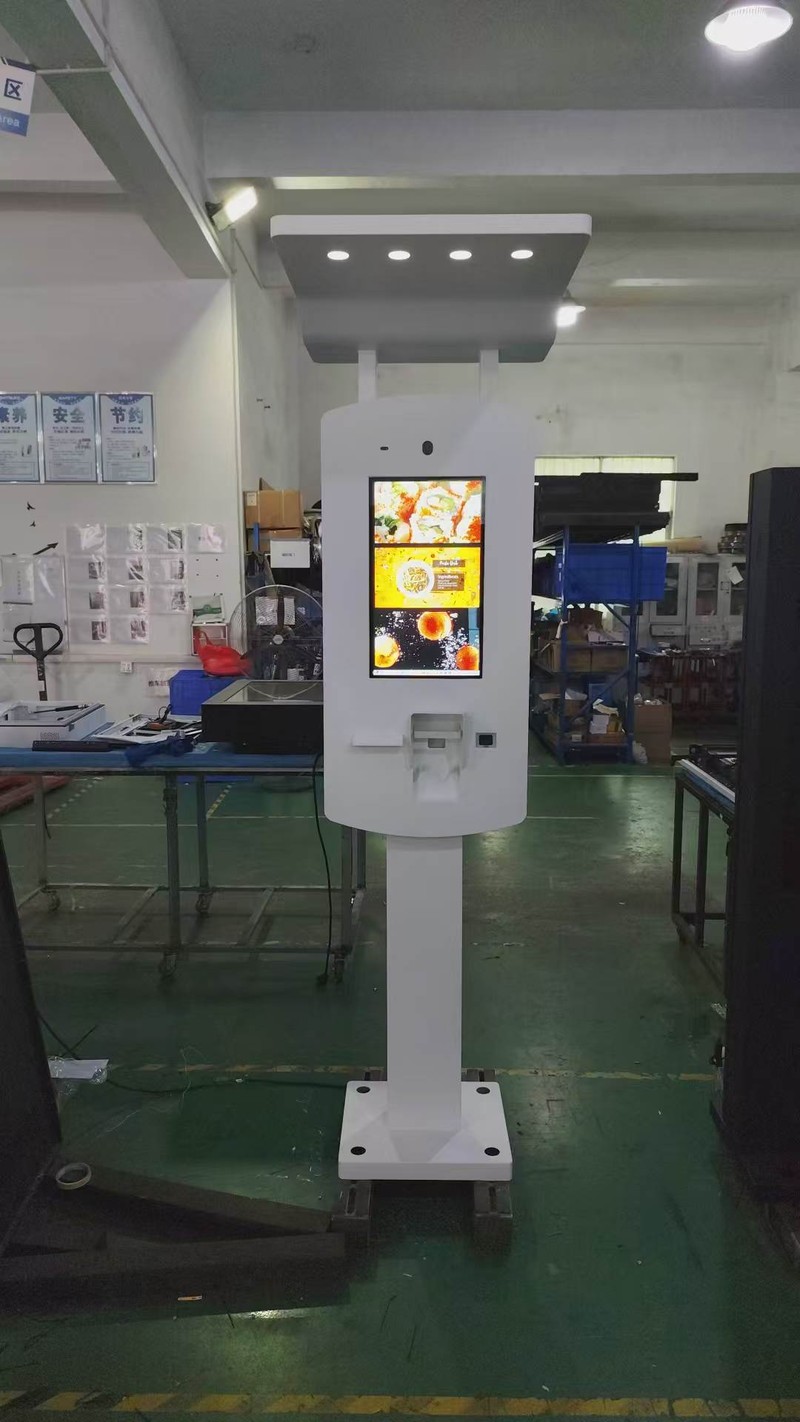
When video appears centered or letterboxed with black margins, use the display remote control to access: ‘MENU’ -> ‘SETTING’ -> ‘ADJUST’ (or Auto-Adjust) to automatically scale the input signal to full native resolution.
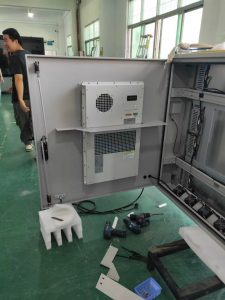
5. Display Blacks Out After Operating for a Period: Inspect the internal air conditioner or cooling fans to verify whether cooling is active. High internal temperatures trigger thermal protection shutdowns; if the air conditioning compressor fails to cool, replace the cooling unit.
6. Remote Control Unresponsive: Check whether remote batteries are depleted, ensure the remote is pointed directly at the IR sensor window, and verify that internal sensor wiring to the driver board is firmly connected. If wiring is sound, replace the IR sensor or driver board.
7. Total Blackout with No Display: Verify whether main AC power is energizing the kiosk; inspect internal power supply indicator LEDs to confirm DC voltage output.
8. Audio Playback Active but No Video Display: Inspect the video signal cable (HDMI/DP/LVDS) for secure connection. Test remote OSD menus on screen to verify panel operation; if menus render cleanly, check signal sources; if menus fail to render, the driver board may be defective.
9. Video Display Active but No Audio Output: Check audio cable seating, verify software volume and mute settings, and inspect internal speaker wiring; if connections are intact, mainboard audio amplifier failure is indicated.
If you are sourcing high-reliability outdoor digital signage hardware, consider these commercial specifications:
ZXTLCD provides comprehensive ODM/OEM manufacturing for outdoor displays—including sunlight-readable brightness up to 4000 nits, IP65/IP66 weatherproof enclosures, intelligent temperature management, and integrated remote CMS.