Phone:
+8618098949445
Physical address:
604, Building 1, Sanyu Industrial Park, Xinwei Fourth Industrial Zone, Xinzhuang Community, Majan Street, Guangming District, Shenzhen

Phone:
+8618098949445
Physical address:
604, Building 1, Sanyu Industrial Park, Xinwei Fourth Industrial Zone, Xinzhuang Community, Majan Street, Guangming District, Shenzhen

Outdoor digital signage kiosks operate in environments fundamentally harsher than indoor displays. Blistering solar UV, driving rain, humidity, broad diurnal temperature swings, and atmospheric dust—coupled with continuous 24/7 duty cycles—accelerate component aging across the system.
Within the exact same chassis, certain structural elements survive for a decade, while others show signs of wear within one to two years. Understanding which components represent vulnerable wear parts, what failure symptoms they exhibit, and how to maintain them allows operators to monitor critical points proactively and keep appropriate spare parts on hand.
Liquid crystal panels do not emit light natively; they depend on high-efficiency LED backlight arrays to illuminate visual media. Operating backlights at maximum continuous luminance accelerates luminous decay over time. Classic aging symptoms include gradual brightness attenuation, chromatic yellowing, and localized dark patches or edge shadows caused by burnt-out diode beads.
To conquer daylight glare, outdoor kiosks drive backlights with higher current, producing elevated thermal dissipation and faster backlight aging than indoor units. Mitigate degradation by avoiding permanent 100% brightness, scheduling automated ambient dimming between day and night, and ensuring internal convective airflow remains clear. Because backlight replacement requires clean-room panel disassembly, it should be handled by certified display technicians.
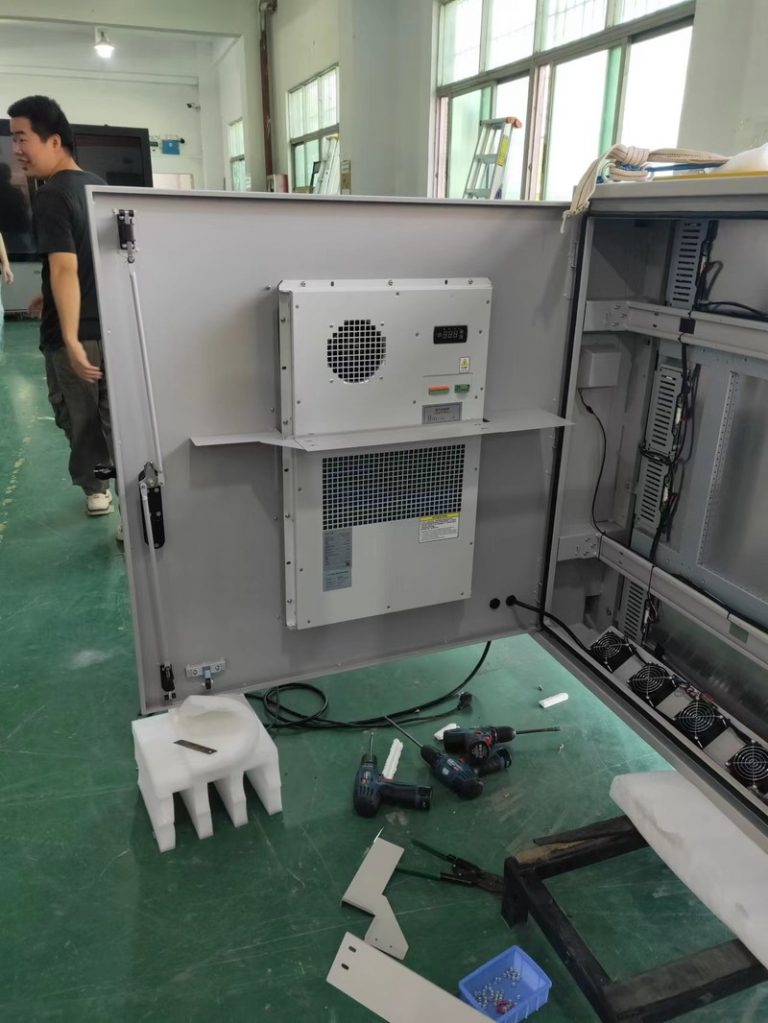
Cooling fans are quintessential mechanical wear components. Outdoor kiosks generate substantial internal heat, requiring cooling fans to spin continuously. Over time, particulate dust ingress causes bearing wear and dust caking on fan blades, leading to reduced RPM, motor whining, and eventual fan stalling.
If cooling fans fail, internal chassis temperatures spike rapidly, inducing thermal throttling on mainboards, power supplies, and LCD panels—causing system lockups, blackouts, or component burnout. Regularly inspect fans during maintenance rounds: listen for abnormal bearing noise, verify unobstructed rotation, clear dust buildup, and replace degraded fan modules promptly before failure triggers cascade damage.
Internal power supply boards convert AC grid voltage into regulated DC current for the entire system, operating under persistent thermal load and electrical grid fluctuations. Outdoor power lines are exposed to weather transients, lightning surges, and voltage sags that heavily stress power components.
Symptoms of deteriorating power supplies include spontaneous system reboots, startup failures, sudden blackouts, or burning smells. Preventative measures include connecting kiosks to stable electrical circuits equipped with dedicated surge suppression and voltage regulation. Power supply board replacements must be executed by certified technicians.
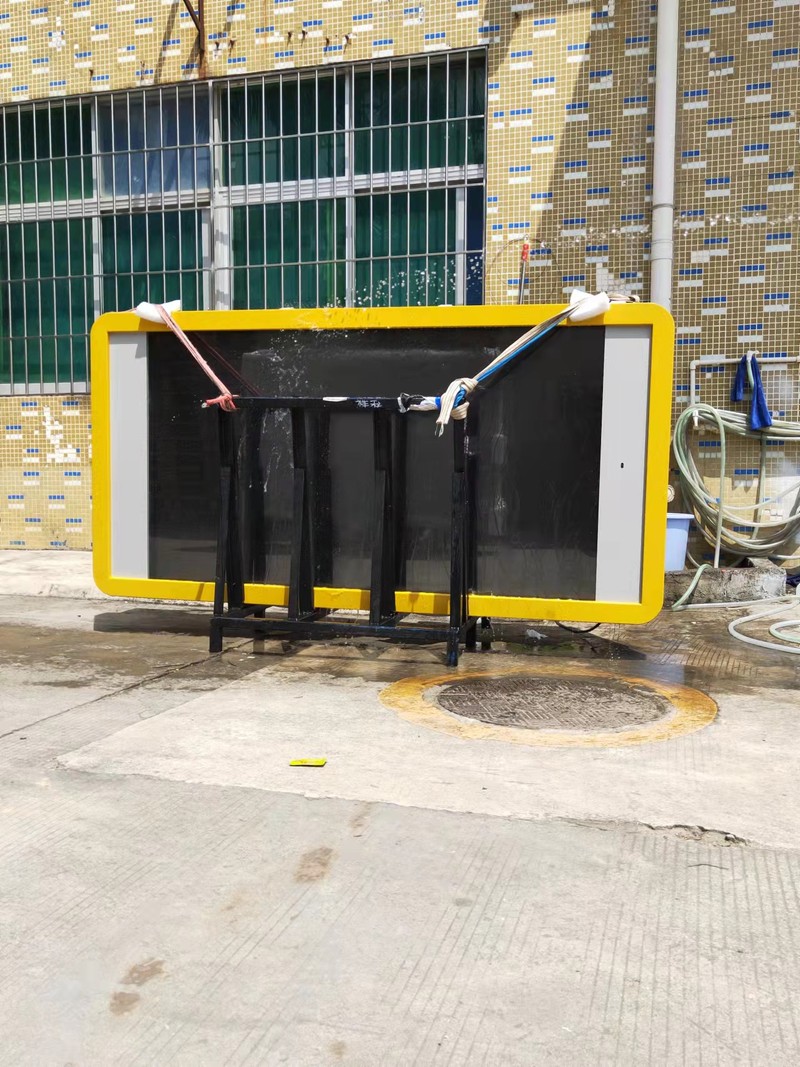
Power cords, video signal ribbons, and external interface ports represent frequently overlooked wear points. Continuous outdoor vibrations gradually loosen terminal connectors; ambient humidity oxidizes contact pins; solar UV hardens and cracks cable jackets; and subterranean cables risk rodent gnawing.
Typical symptoms include screen flickering, artifact snow, intermittent signal loss, and video blackouts. Routinely check that connector plugs remain firmly seated and free of corrosion, and that cable jackets are intact. Always encase external cables within protective liquid-tight conduits and seal interface entry points.
Outdoor kiosks depend on EPDM rubber perimeter gaskets, O-rings, and waterproof silicone sealants to block rainwater and particulate dust. Over years of thermal cycling, solar UV radiation, and freezing winters, rubber gaskets harden, lose elasticity, and develop micro-cracks.
Degraded seals allow moisture and humidity to infiltrate the chassis, causing electrical shorts, optical screen fogging, and board corrosion. Regularly inspect perimeter door gaskets; replace hardened or deformed seals and reapply silicone sealant around seams, particularly prior to seasonal rainy periods.
Outdoor displays feature front tempered safety glass treated with anti-reflective (AR) or anti-glare (AG) optical coatings. Windborne sand scours optical coatings over time; abrasive cleaning wipes leave hairline scratches; and prolonged solar UV degrades surface treatments.
Surface wear manifests as blurred visibility, harsh specular glare, and diminished visual aesthetics. Clean optical surfaces using soft microfiber cloths wiped in a single direction, never using harsh scrapers or wiping dry surfaces caked in grit. If safety glass suffers structural impact fractures, replace it immediately to prevent water ingress.
Embedded controller boards and solid-state storage operate under persistent heat. Electrolytic capacitor aging and solder fatigue cause random reboots, system freezing, or boot failures. Storage cards and SSDs subjected to continuous write cycles experience bad sectors, resulting in playlist stuttering or corrupted media playback.
Maintain robust thermal cooling, schedule periodic storage disk maintenance, clear cached media files, and back up configuration settings. Mainboard diagnostics and soldering repairs should be conducted by qualified service personnel.
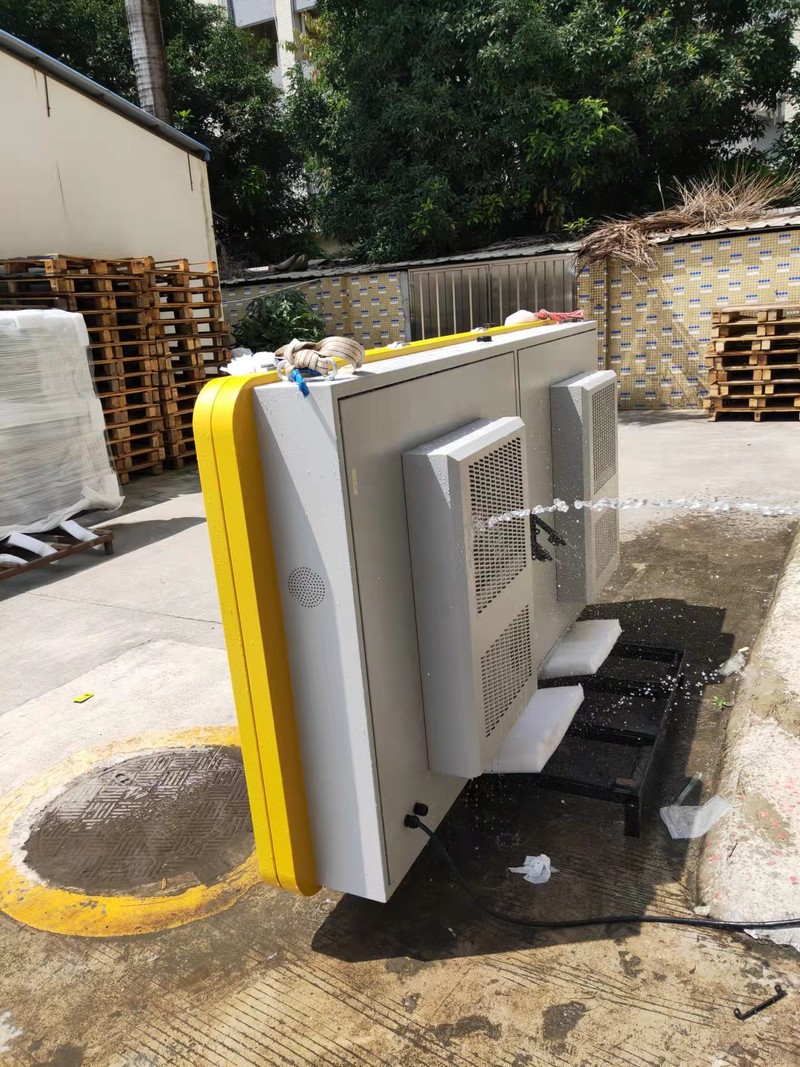
The operational lifespan of wear components is heavily governed by installation design and disciplined preventive maintenance.
During installation, plan placement strategically: avoid unshaded full-day solar exposure where feasible, preserve convective airflow around cooling vents, and execute elevated plinth mounting for flood protection. Operationally, program intelligent daypart dimming and automatic sleep timers to avoid running backlights at full blast unnecessarily. Execute routine dust removal, inspect cable glands, and perform seasonal tune-ups before summer heat and autumn rains.
Furthermore, maintain a strategic on-site spare-parts inventory for high-frequency wear items—such as cooling fans, power supply boards, and interface cables—to minimize system downtime during maintenance cycles.
Replacing backlights, power supply units, controller motherboards, internal ribbon cables, or cooling fans—or addressing burning smells, chassis smoke, water flooding, or repeating reboot loops—requires certified manufacturer technicians. Outdoor displays house high-voltage inverters and delicate electronics; unauthorized disassembly risks electric shock, secondary hardware damage, and warranty forfeiture.
Which component fails most frequently in outdoor digital signage? Cooling fans, power supply boards, and cabling connectors fail most frequently due to mechanical wear and environmental stress. Backlight aging is a gradual process manifesting as declining luminance.
How often should cooling fans be replaced? Replacement intervals depend on operating hours, ambient dust, and climate. Inspect fans regularly and replace any unit exhibiting bearing noise, RPM drops, or vibration.
Can facility operators replace wear parts independently? Basic external cleaning and cable reseating can be handled on-site. Replacing internal electronics, power boards, or optical glass should be performed by qualified technicians.
What is the best way to extend outdoor display lifespan? Calibrate brightness dynamically, preserve clean convective airflow, verify IP gasket seals, maintain stable electrical power, and conduct scheduled seasonal inspections.
Wear parts in outdoor digital signage are concentrated across backlights, cooling fans, power supplies, interface cabling, weatherproof gaskets, and front protective glass. Understanding their degradation lifecycles, executing scheduled inspections, and maintaining preventive spare parts is vastly more economical than reacting to catastrophic breakdowns.
ZXTLCD specializes in commercial-grade LCD stretched bar displays. If your digital displays encounter operational wear or you require consultation regarding thermal cooling and ingress protection during project planning, share your environmental conditions with us for dedicated technical support. Official website: www.outdoorlcddisplays.com/” target=”_blank” rel=”noopener”>www.outdoorlcddisplays.com
If you are sourcing high-reliability outdoor digital signage hardware, consider these commercial specifications:
ZXTLCD provides comprehensive ODM/OEM manufacturing for outdoor displays—including sunlight-readable brightness up to 4000 nits, IP65/IP66 weatherproof enclosures, intelligent temperature management, and integrated remote CMS.