Phone:
+8618098949445
Physical address:
604, Building 1, Sanyu Industrial Park, Xinwei Fourth Industrial Zone, Xinzhuang Community, Majan Street, Guangming District, Shenzhen

Phone:
+8618098949445
Physical address:
604, Building 1, Sanyu Industrial Park, Xinwei Fourth Industrial Zone, Xinzhuang Community, Majan Street, Guangming District, Shenzhen

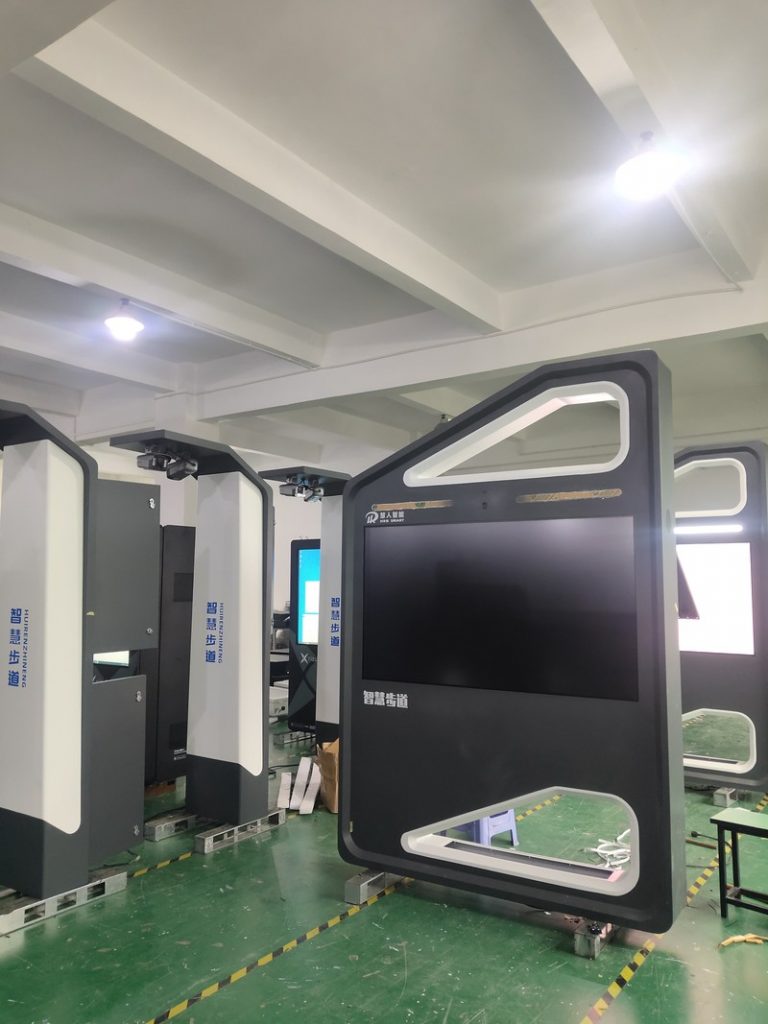
After prolonged continuous operation in outdoor environments, digital signage displays occasionally encounter visual anomalies. Common symptoms include: full white screen, screen glitching/snow artifacts, complete black screen, dim display, yellowish tint, localized white patches, bright or dark vertical/horizontal lines, screen flickering, irregular image jitter, and surface polarizer scratches.
When confronted with these issues, many operators assume the LCD panel is permanently destroyed. In reality, a large proportion of faults originate outside the panel itself. Methodically troubleshooting through cabling, internal ribbon leads, controller mainboards, and software drivers will frequently identify and resolve the root cause. Below is a structured diagnostic guide.
External video connections (typically HDMI, DP, or legacy VGA) represent the most frequent point of failure. Loose connections or cable pin damage cause screen snow, flickering lines, and intermittent ‘No Signal’ blackouts.
First, disconnect power and firmly reseat both ends of the video cable; incomplete terminal seating is the single most common culprit. Next, inspect male connector pins for bending or breakage, especially on pin-dense connectors like VGA.
If pins are slightly bent, use precision non-conductive tweezers to gently realign them with minimal force, avoiding metal fatigue fractures. If a pin is broken or internal shielding is compromised, replace the cable entirely with a shielded, high-spec lead.
Inside the kiosk, high-density ribbon cables (LVDS or eDP leads) connect the video controller board to the panel’s Timing Controller (T-Con) board. Loose seating, oxidation, or thermal vibration fatigue along these internal ribbons triggers vertical color lines, mosaic glitching, and flickering.
Because this step requires chassis disassembly near sensitive optical glass and high-voltage circuitry, untrained personnel should avoid DIY disassembly. If internal ribbon faults are suspected, contact manufacturer support for authorized field service.
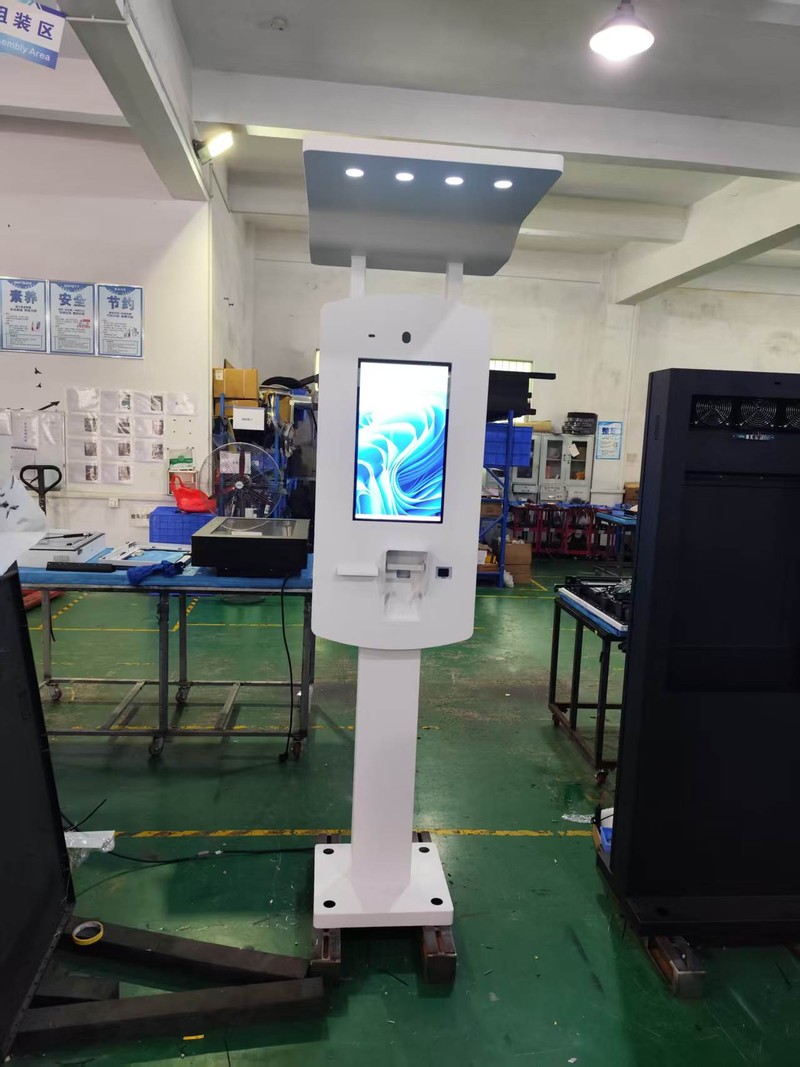
In lower-tier displays where mainboard components lack rigorous thermal validation, continuous operation under high temperatures can lead to component drift. Focus on several inspection areas:
Check whether controller processor heatsinks are excessively hot, verify that internal cooling fans spin freely without bearing noise, check for dust blockage across ventilation grilles, and inspect mainboard capacitors for bulging or scorch marks.
Operating outdoors exposes electronics to airborne grime and humidity, elevating mainboard thermal failure rates. Monitor fan acoustic profiles and operational temperatures regularly; internal board inspections should be executed by qualified technicians.
If a display suddenly blacks out, do not repeatedly cycle the power switch. Immediately disconnect main AC power to prevent short circuits from expanding cascade component damage.
If opening service hatches reveals burning odors or ozone smells, maintain power disconnection and request professional diagnostic servicing to inspect the mainboard, GPU, and high-voltage power inverter boards.
Safety Reminder: Outdoor displays house high-voltage backlight inverters and large power storage capacitors. Opening chassis enclosures without technical training risks severe electric shock and forfeiture of warranty protections.
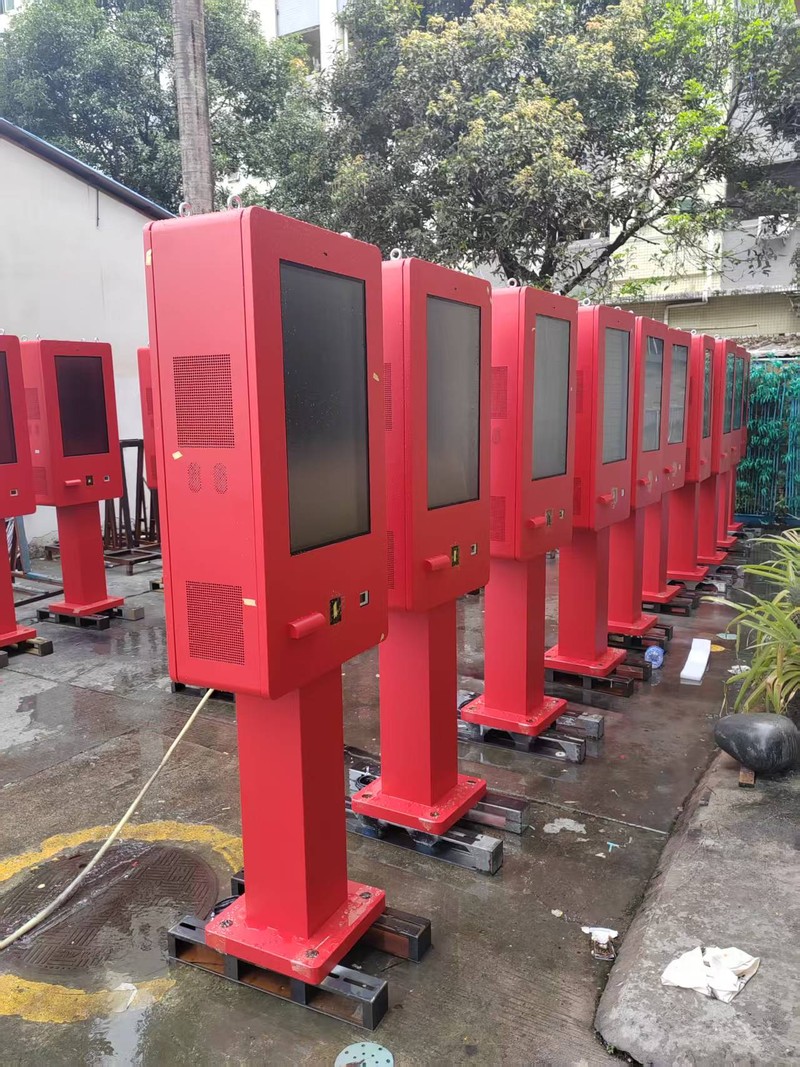
For outdoor kiosks running on Windows embedded controller architectures, screen flickering can often be diagnosed like standard computing hardware: ensure graphics card seated connections are secure, verify that screen refresh rate matches panel native specifications (e.g., 60Hz), and reinstall official manufacturer GPU display drivers.
Immediately contact manufacturer support under the following conditions: symptoms persist after basic external cable verification; internal ribbon, mainboard, or power supply replacements are required; burning smells, smoke, or abnormal heat are detected; the kiosk has suffered physical vehicle collision or liquid flooding; or extensive horizontal/vertical banding covers the screen face.
Does screen glitching definitively mean the LCD panel is ruined? Not necessarily. Loose video cables, oxidized pins, and degraded internal ribbon leads frequently cause glitching. Inspect external and internal connections before condemning the panel.
Can I repeatedly power-cycle a display that has blacked out? No. If an internal electrical short circuit has occurred, repeated power cycling risks burning out driver boards or damaging the backlight. Disconnect power and consult certified technicians.
Can permanent bright or dark lines on the screen be repaired by end-users? No. Fixed linear lines typically stem from damaged panel COF driver ICs or glass substrate micro-fractures, requiring clean-room bonding equipment or module replacement.
Most outdoor display screen faults can be methodically diagnosed in sequence: external cabling, internal ribbon leads, controller mainboards, and software drivers. Resolving minor cabling issues independently while escalating complex internal electronic faults promptly prevents minor glitches from escalating into catastrophic hardware failures.
ZXTLCD specializes in commercial-grade LCD stretched bar displays. If you encounter display anomalies during operation, share your symptoms, environmental conditions, and troubleshooting findings with our technical team for diagnostic guidance. Official website: www.outdoorlcddisplays.com/” target=”_blank” rel=”noopener”>www.outdoorlcddisplays.com
If you are sourcing high-reliability outdoor digital signage hardware, consider these commercial specifications:
ZXTLCD provides comprehensive ODM/OEM manufacturing for outdoor displays—including sunlight-readable brightness up to 4000 nits, IP65/IP66 weatherproof enclosures, intelligent temperature management, and integrated remote CMS.