Phone:
+8618098949445
Physical address:
604, Building 1, Sanyu Industrial Park, Xinwei Fourth Industrial Zone, Xinzhuang Community, Majan Street, Guangming District, Shenzhen

Phone:
+8618098949445
Physical address:
604, Building 1, Sanyu Industrial Park, Xinwei Fourth Industrial Zone, Xinzhuang Community, Majan Street, Guangming District, Shenzhen

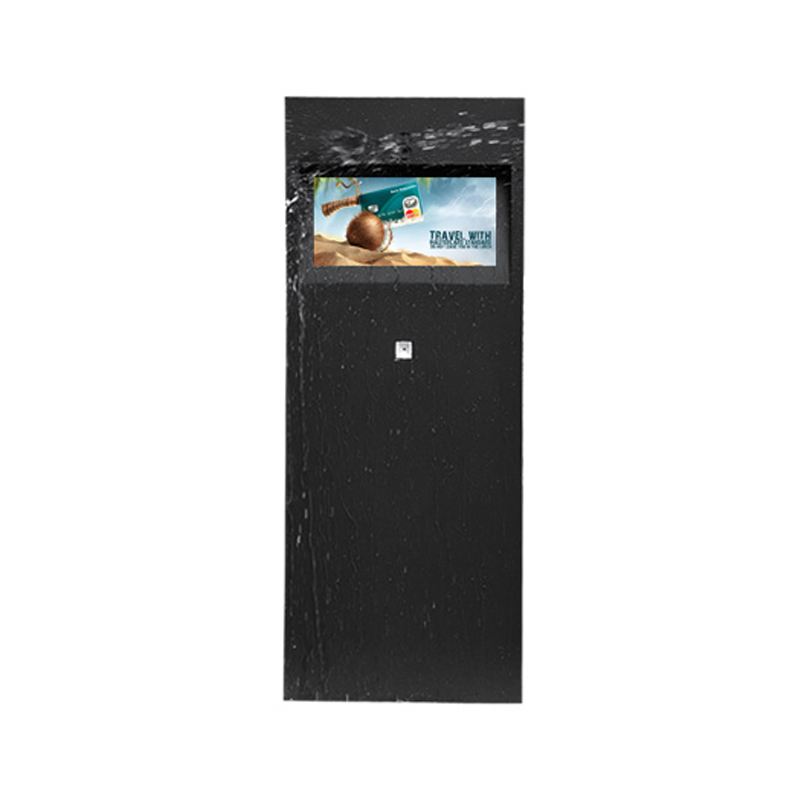
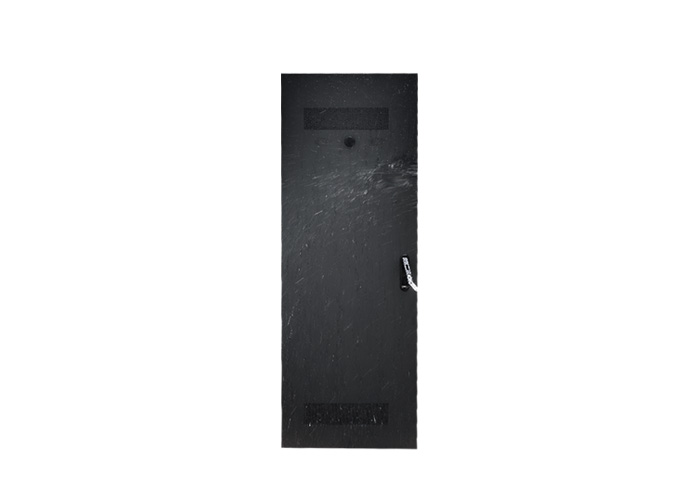
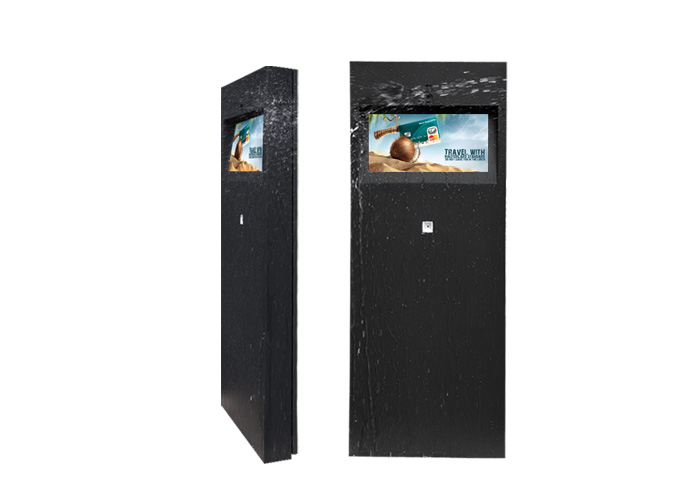
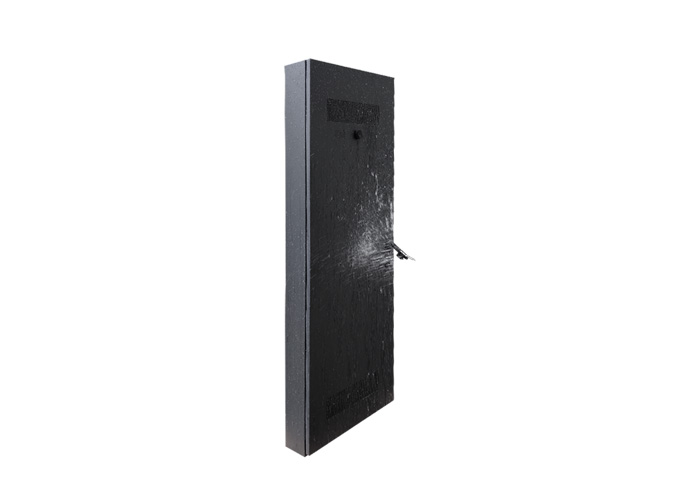
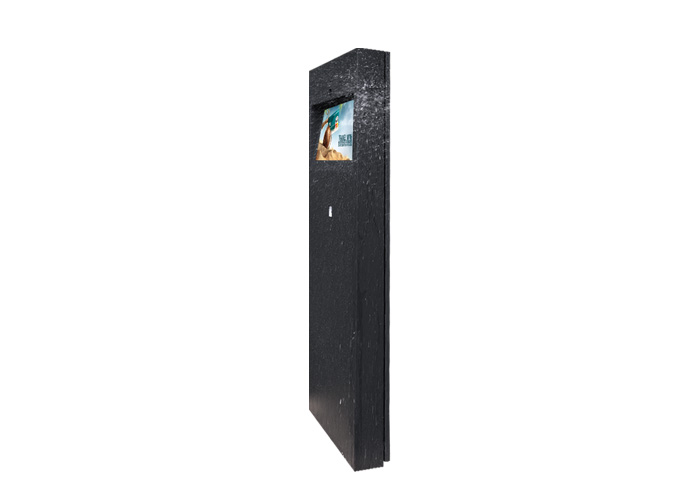
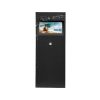
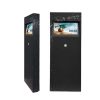
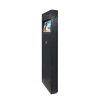
Outdoor interaction is often designed around large freestanding kiosks, but many projects need something more compact. A visitor may only need to check a route, select a service, read an instruction or confirm a simple transaction. In these situations, a 21.5-inch touchscreen outdoor display can provide a focused interface without taking over the surrounding space.
This model is suitable for close-range interaction at entrances, service points, ticket areas and outdoor information stations. Its value comes from combining a high-brightness screen with touch operation in a size that can be integrated into a wall, cabinet or purpose-built terminal.
Unlike a passive advertising screen, an interactive outdoor display must be planned around how people approach, read and physically use it.
The most important decision is often not the operating system or content player. It is the height and angle of the screen.
A screen installed too high may be readable but uncomfortable to touch. A unit installed too low may create glare or force users to bend forward. The final position should reflect the intended audience, whether they are pedestrians, drivers at a service window, visitors using a ticket station or staff operating outdoor equipment.
The interface should also match the 21.5-inch format. Large touch targets, short menus and clear navigation work better than a desktop website compressed onto the screen. If users must enter information, the project team should consider whether an on-screen keyboard is practical in the available space.
For public installations, accessibility should be discussed during the design stage rather than after the cabinet has been produced.
A touchscreen does not automatically make a sign useful. The interaction must solve a real task.
At a visitor entrance, the outdoor display may provide a site map and directions. At a transport location, it may show route information and departure updates. At a tourist information point, it may allow users to browse nearby attractions. A restaurant or service business may use the screen for menu viewing, queue registration or collection instructions.
Each of these applications requires a different interface. A wayfinding screen needs location-based navigation. A self-service terminal may require integration with payment, booking or ticketing software. A public information point may need several languages and a simple return-to-home function after a period of inactivity.
The hardware and software scope should therefore be confirmed together. The display manufacturer can provide the screen and selected system configuration, but application software, databases and third-party transactions may require cooperation with the customer’s software provider.
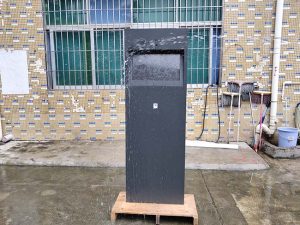
High brightness helps content remain visible under strong ambient light, but outdoor touch operation introduces additional considerations. Reflections, surface contamination, rain, gloves and changing temperatures can all affect the user experience.
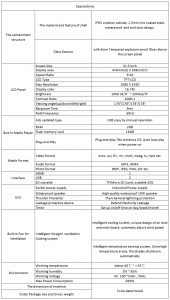
The exact touch technology should be confirmed according to the project. Capacitive touch is commonly associated with responsive finger operation, while other touch solutions may be considered where glove use or a different protective surface is required. The selected method must also work with the front glass and enclosure design.
An interactive outdoor display should be tested with the actual interface, not only with a basic touch demonstration. Buttons near the edge, drag gestures, maps and on-screen keyboards may behave differently from simple tap commands.
Brightness should also be balanced for evening use. A screen configured only for maximum daytime output may appear uncomfortable at night. Automatic or scheduled brightness control can help the interface remain readable across changing conditions when supported by the final configuration.
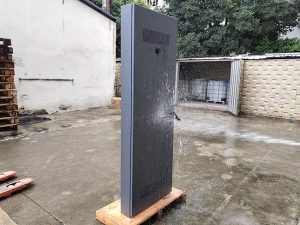
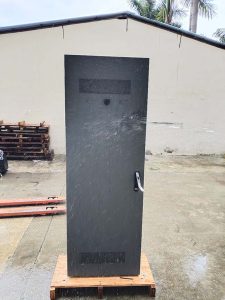
Because the product may be incorporated into a kiosk or wall, the surrounding structure is part of its performance. The cabinet must allow space for heat management, wiring, the control system and maintenance. Outdoor cable entries need suitable protection, and the access panel should be positioned so technicians can work without removing the complete installation.
If the terminal includes cameras, scanners, printers, speakers, payment devices or other accessories, their placement should be coordinated before the front layout is approved. Adding components later can interfere with viewing angles, touch access or internal airflow.
Network requirements should also be defined early. Depending on the project, content and applications may use Wi-Fi, wired LAN or an optional mobile connection. A stable network is especially important when the screen provides live schedules, remote assistance or transaction-related information.
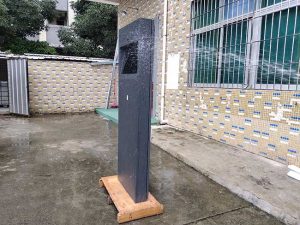
The compact touchscreen format is suitable for:
It is less suitable for advertisements expected to be read from a long distance. In that case, a larger screen may provide better visibility. This 21.5-inch model is intended for users who approach the unit and interact at close range.
A good interactive project begins with a defined user task. Buyers should provide the installation drawing, expected mounting height, application software requirements, network method and any peripherals that need to be integrated.
The 21.5-inch touchscreen outdoor display offers a compact foundation for information and self-service, but its success depends on thoughtful placement and a clear interface. When the screen, cabinet and software are planned as one system, the result feels like a purposeful outdoor service point rather than a monitor placed behind protective glass.
Tell us your required screen size, quantity and application. Our team will reply within 24 hours.