Phone:
+8618098949445
Physical address:
604, Building 1, Sanyu Industrial Park, Xinwei Fourth Industrial Zone, Xinzhuang Community, Majan Street, Guangming District, Shenzhen

Phone:
+8618098949445
Physical address:
604, Building 1, Sanyu Industrial Park, Xinwei Fourth Industrial Zone, Xinzhuang Community, Majan Street, Guangming District, Shenzhen

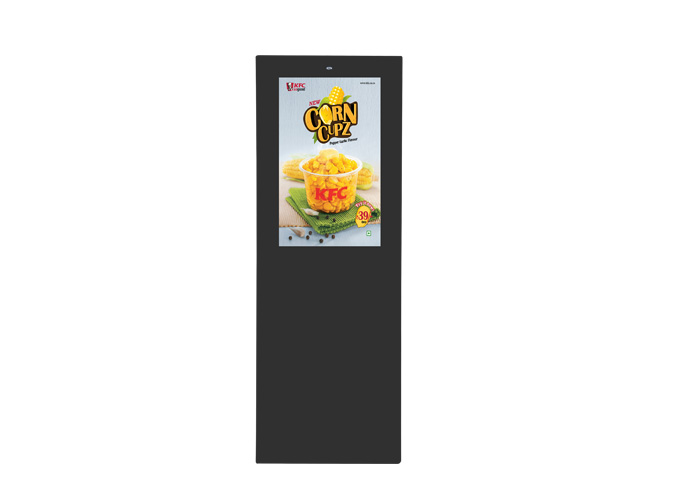
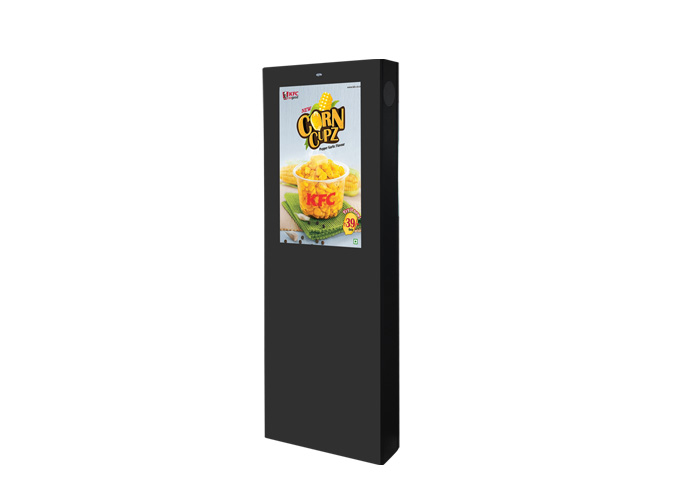
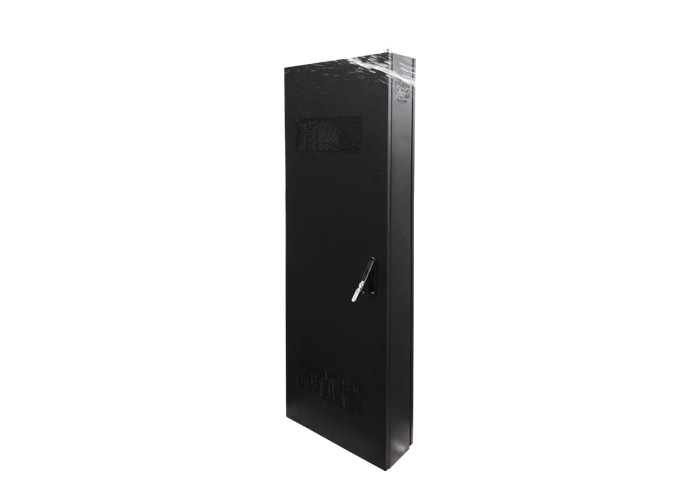
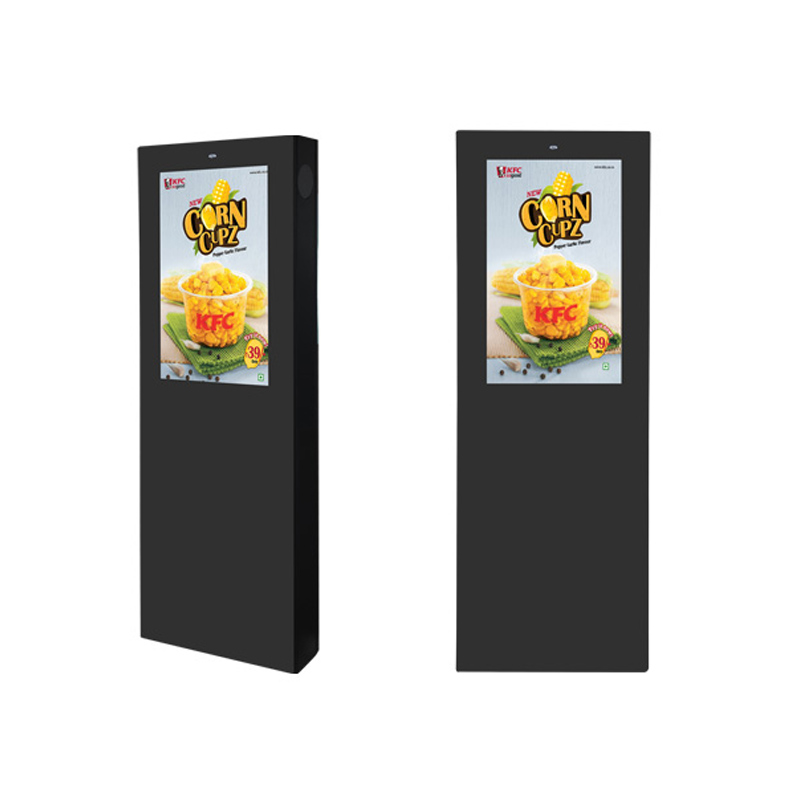
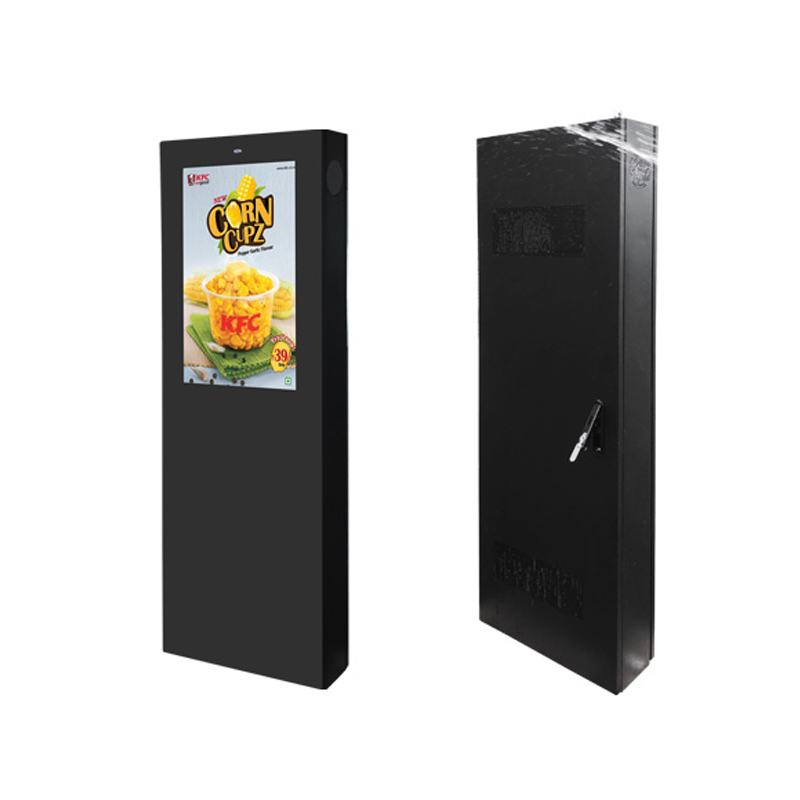
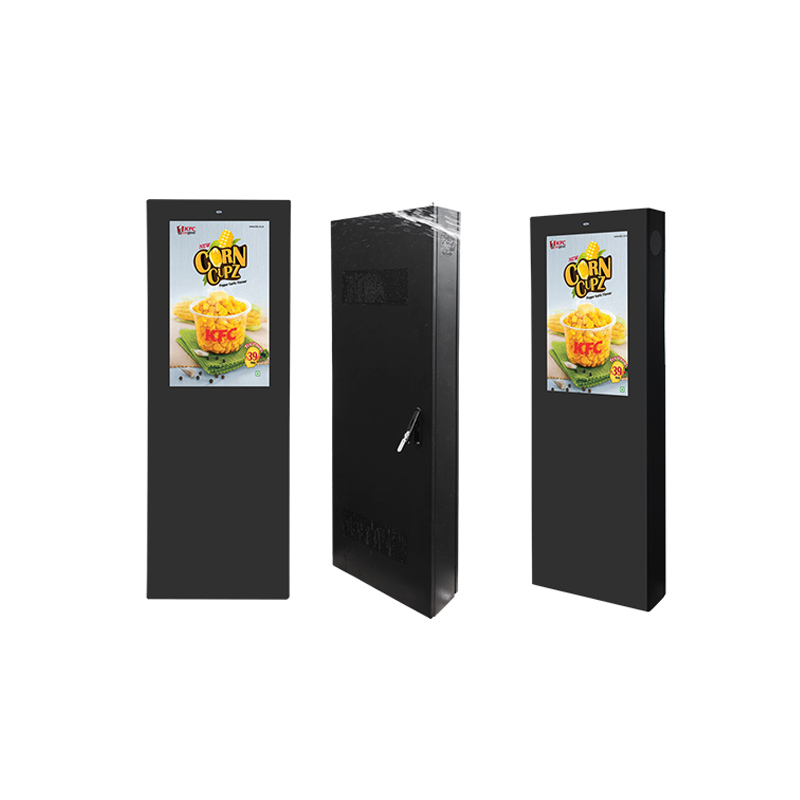
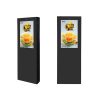
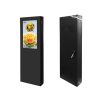
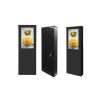
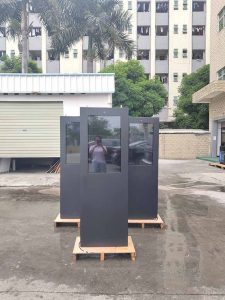
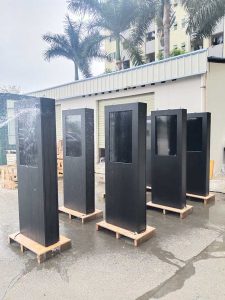
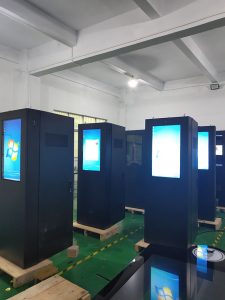
32-Inch Android Interactive Outdoor Kiosk:
Compact touchscreen information terminal designed for public services, campuses, attractions and commercial locations.
Interactive Outdoor Information System:
Supports maps, directories, notices, service guidance and digital applications through an easy-to-use touch interface.
Android-Based Smart Platform:
Runs signage applications, local information systems and customized service software with flexible content management.
Close-Range Touch Experience:
32-inch format provides comfortable interaction with large buttons, clear navigation and accessible user workflows.
Outdoor Protection Design:
Built for exterior deployment with weather resistance, brightness control, thermal management and secure installation.
Remote Content Management:
Enables scheduled updates, centralized control and real-time information publishing for multiple public service points.
Flexible Application Integration:
Supports optional cameras, scanners, speakers, payment modules and other peripherals for customized self-service solutions.
A public information point must do more than play a promotional loop. Visitors may need directions, local notices, facility information, emergency guidance or access to a digital service without entering a building. This 32-inch Android interactive totem brings those tasks together in a compact outdoor unit designed for close-range use.
The display can support touch-based navigation, changing public information and commercial content from one managed interface. It is suitable for municipal service points, campuses, visitor attractions, residential developments and commercial properties where people need clear information at the place where a decision is made.
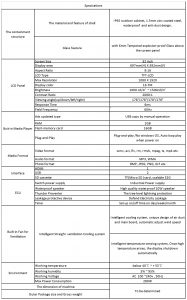
Interactive Outdoor Kiosks can replace several disconnected communication tools. A single unit may provide a site map during normal operation, display an urgent notice when required and open a service directory when a visitor touches the screen. This reduces reliance on printed maps and allows operators to update time-sensitive content without replacing physical panels.
The 32-inch format is especially useful where the viewing distance is short. Menus, buttons and instructions can be made large enough for comfortable interaction without requiring the footprint of a large advertising totem. The content interface should remain focused: a clear home screen, a small number of primary choices and an obvious route back to the beginning generally produce a better experience than a complicated website transferred directly to the kiosk.
Android operation provides a practical platform for signage playback and purpose-built applications. Depending on the final project, the system can run a local information package, connect to a web-based service or receive scheduled content through a remote management platform. Network, application and peripheral requirements should be confirmed before production.
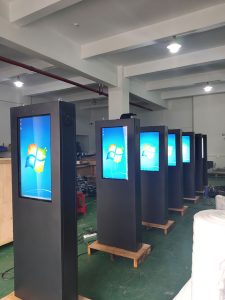
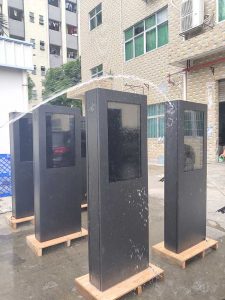
The kiosk can be configured around the work visitors actually need to complete. On a university campus, it may show building directories, event schedules and accessible routes. At a residential development, it can present community notices and property services. A tourism operator can use it for attraction information, ticket guidance and multilingual directions. Commercial sites can combine visitor assistance with promotions without allowing advertising to obscure important instructions.
Touch functionality also creates opportunities for service requests, surveys, appointment guidance or QR-code handoff. The interaction should remain brief because outdoor users are often standing, carrying bags or moving between destinations. Large touch targets, high-contrast text and short page sequences make the system easier to use.
For unattended locations, the software should return automatically to the home screen after inactivity. Administrators should also decide which content can be updated by local staff and which settings remain under central control.
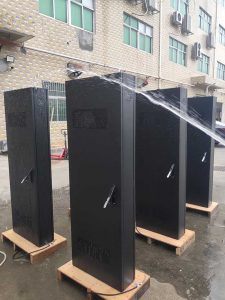
Interactive Outdoor Kiosks must be planned as complete installations rather than indoor tablets placed inside metal cabinets. Screen visibility, weather protection, heat management, cable entry and service access all affect long-term operation. The final brightness should be selected for the site orientation and expected daylight. A shaded courtyard does not impose the same demand as an open plaza facing afternoon sun.
The enclosure configuration should be matched to rainfall, dust, ambient temperature and daily runtime. If the kiosk will operate throughout the day, internal cooling or heating may be required according to the local climate. Touch performance should also be tested with the selected protective glass and interface design.
Installation planning should cover the base, foundation, power route and network method. A hard-wired connection may be preferred for a permanent municipal deployment, while Wi-Fi or cellular connectivity may be more practical at a site where network cabling is unavailable.
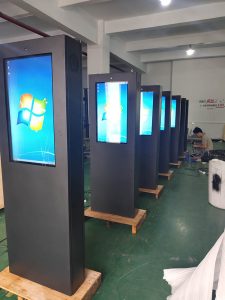
Before ordering, the project team should provide the installation city, operating temperature range, mounting method, daily schedule and required touch application. It is also helpful to list any cameras, scanners, payment devices, speakers or assistance buttons that need to connect to the system.
Interactive Outdoor Kiosks work best when the hardware, software and public-service objective are specified together. This 32-inch Android model offers a manageable format for close-range interaction while allowing the display, enclosure, network and application to be configured for the location. The result is a public information point that can remain useful as services and content change.
Tell us your required screen size, quantity and application. Our team will reply within 24 hours.