Phone:
+8618098949445
Physical address:
604, Building 1, Sanyu Industrial Park, Xinwei Fourth Industrial Zone, Xinzhuang Community, Majan Street, Guangming District, Shenzhen

Phone:
+8618098949445
Physical address:
604, Building 1, Sanyu Industrial Park, Xinwei Fourth Industrial Zone, Xinzhuang Community, Majan Street, Guangming District, Shenzhen

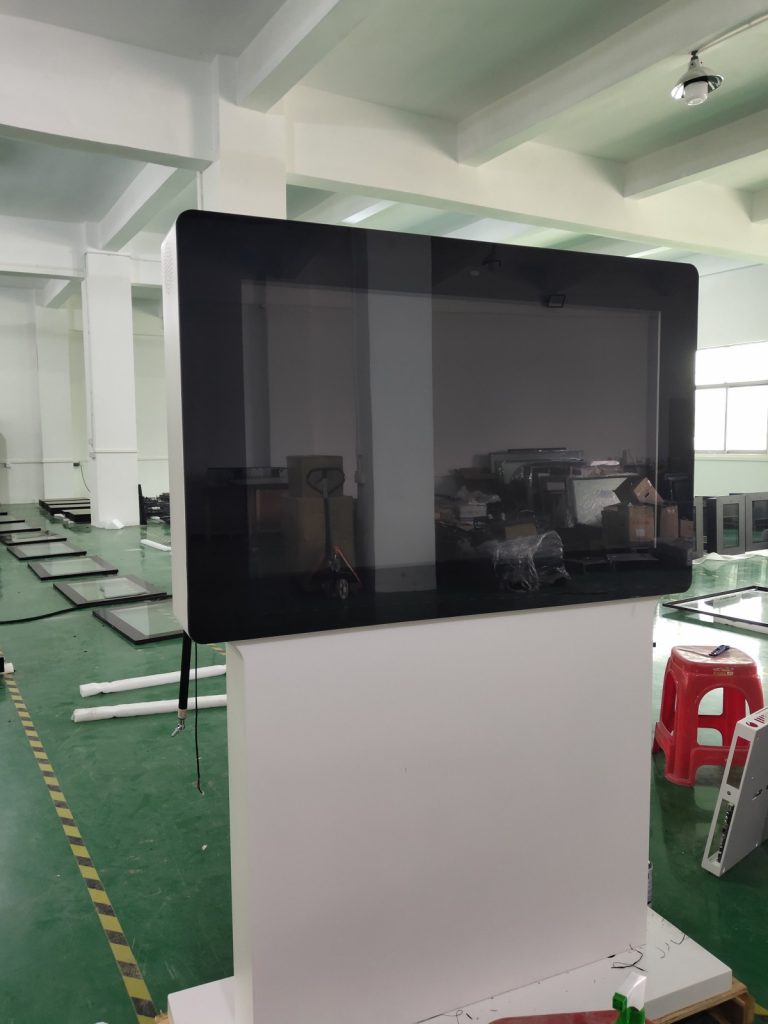
When operating commercial LCD digital signage displays, operators occasionally encounter technical glitches. Below is a compiled reference guide covering frequent digital signage hardware faults and practical troubleshooting solutions for technical and operational personnel.
When double-click touch gestures fail to register smoothly, follow these corrective steps:
First, open the Windows Control Panel, navigate to Mouse Settings, and extend the double-click speed interval to allow a longer threshold between taps.
Second, launch the infrared touch frame calibration utility and adjust touch sensitivity settings to optimize response.
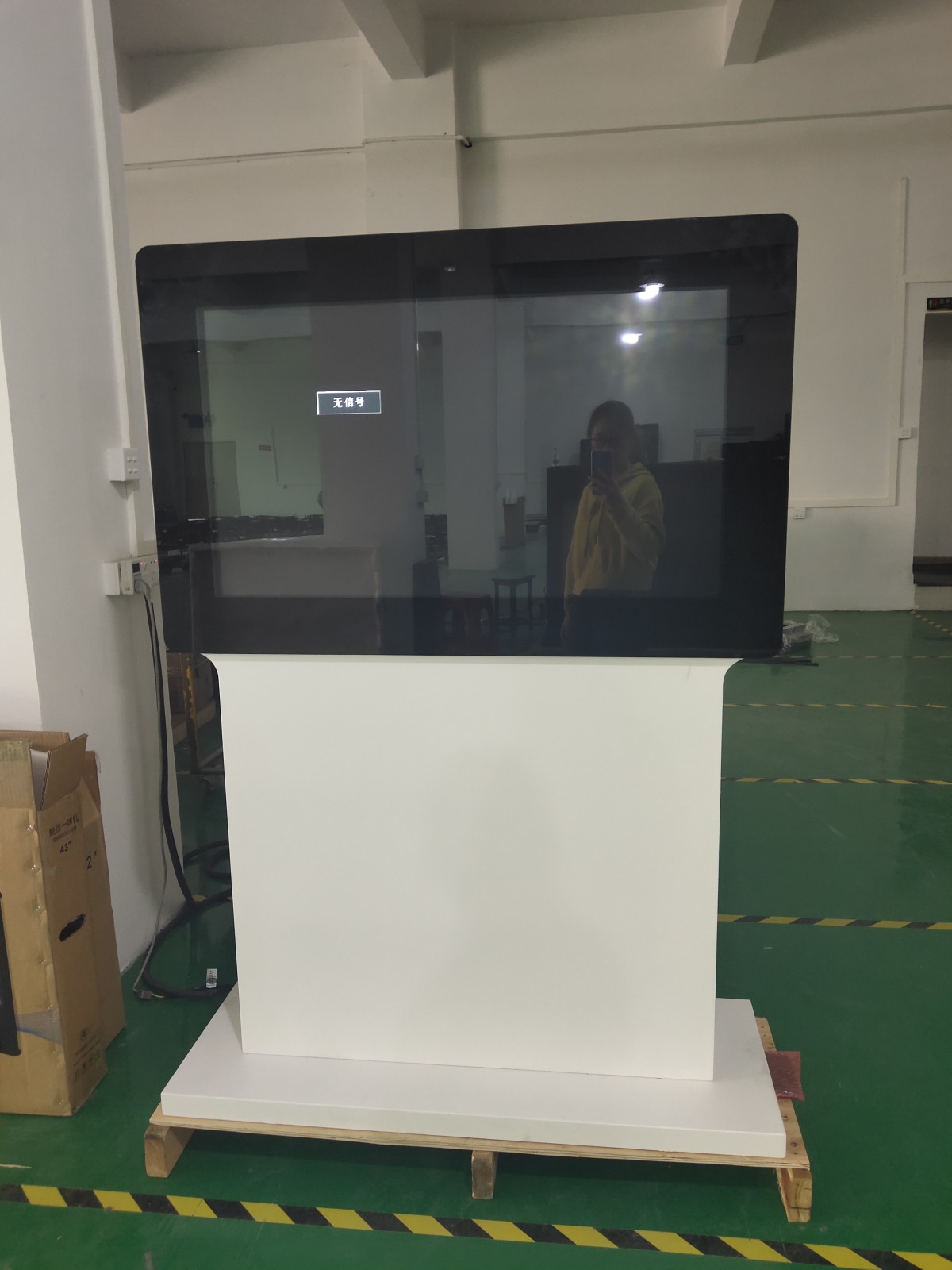
Complete touch unresponsiveness typically points to two root causes: a disconnected interface cable or physical touch sensor failure.
First, inspect the USB communication cable linking the touch overlay to the internal PC host, ensuring the cable is securely seated, undamaged, and free of pin oxidation.
If interface ports and wiring integrity are confirmed sound yet touch remains unresponsive, contact your hardware supplier for specialized technical diagnostic support.
Touch inaccuracies predominantly occur during initial system commissioning or following changes to display output resolution. When touch registration drifts from touch points, recalibrate the touch frame using the vendor calibration utility; completing the multi-point calibration grid will resolve alignment offsets quickly.
Inspect the internal storage card reader: if card receptacle pins are bent or misaligned, gently straighten them using fine non-conductive tweezers. If pin contacts are intact but the card remains unreadable, mainboard controller failure is likely, necessitating mainboard replacement.
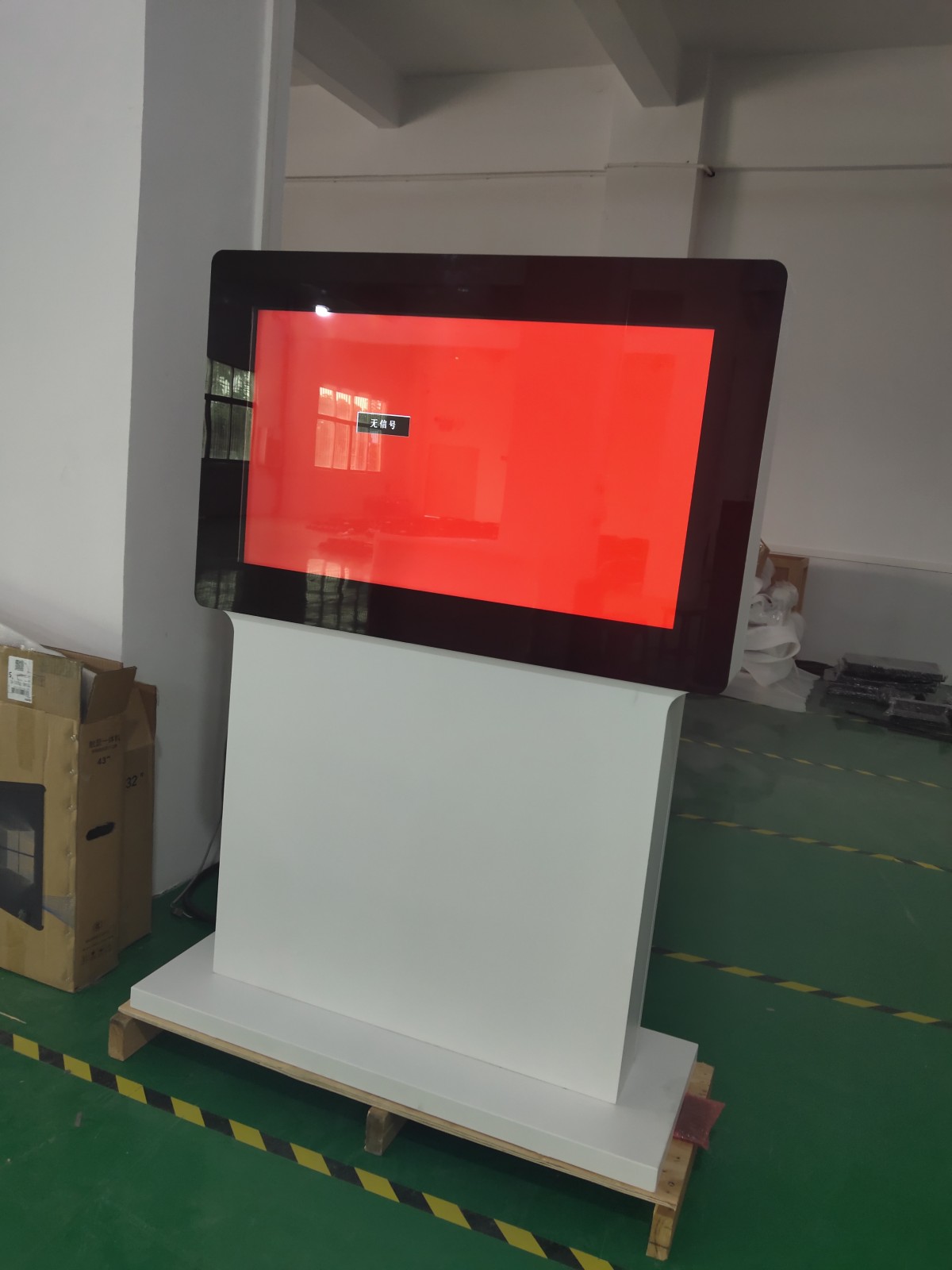
First, check system OSD settings to confirm whether an automated sleep timer or scheduled shutdown schedule is active.
Second, if an internal power short circuit is detected on the mainboard, replace the mainboard assembly.
Third, if the high-voltage backlight inverter or LED constant-current driver board malfunctions, replace the inverter module.
This issue typically arises from two common setup oversights:
First, verify that the dedicated touch interface ribbon or USB lead is firmly plugged into the controller host’s designated communication port.
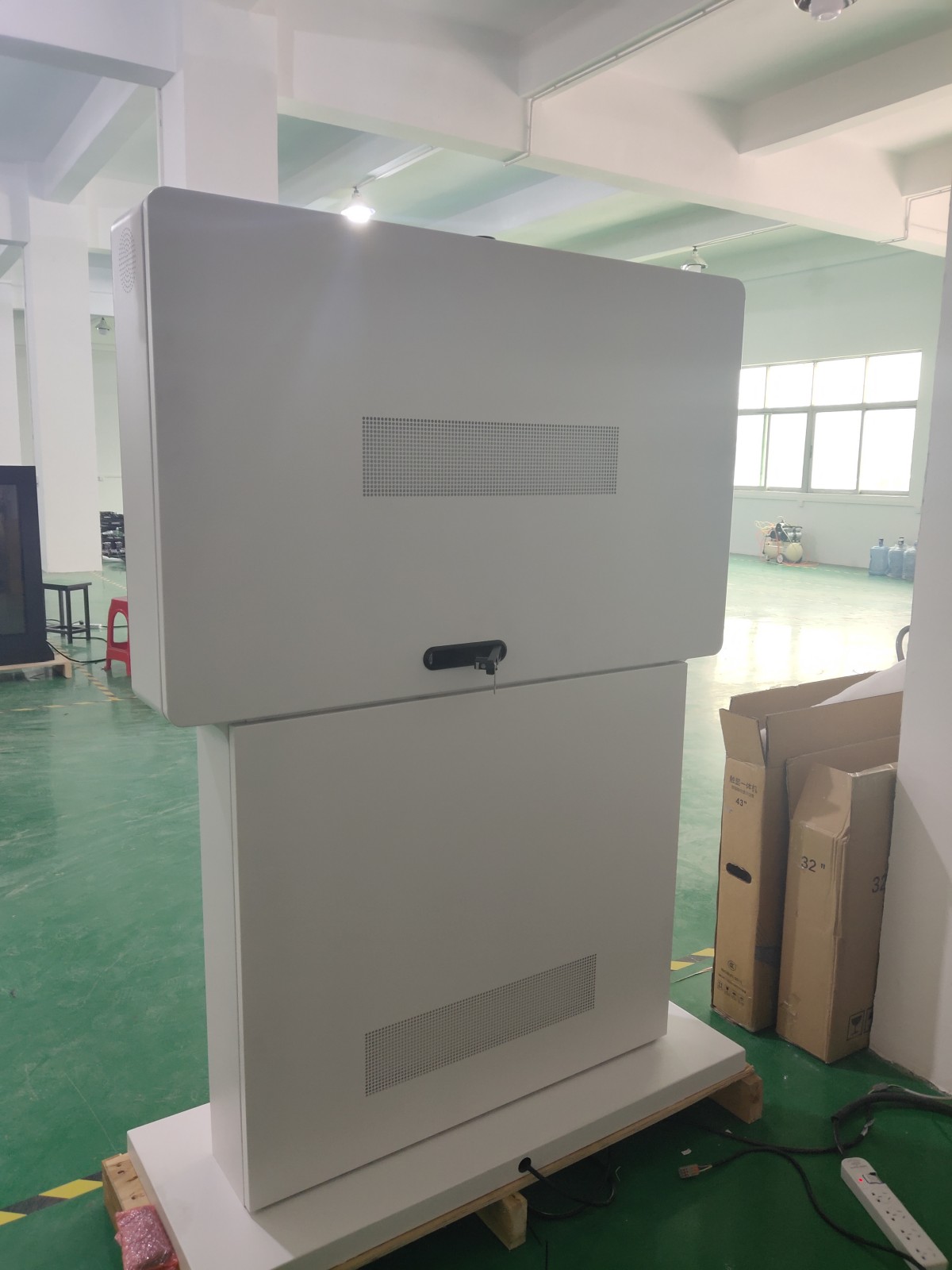
Second, ensure that serial COM port or USB HID driver software corresponding to the specific touch model is correctly installed in the operating system; reinstalling official vendor drivers will restore communication.
In most cases, resolution caps stem from configuration oversights. First, verify that graphics card and monitor chipset drivers are properly installed. Consult your hardware specification manual to confirm whether the host GPU and display panel support target resolution timings.
If driver installations and hardware specifications are verified but display timings remain restricted, a hardware display controller fault is indicated, requiring service center assistance.
A localized thumb-sized dark spot is almost invariably caused by excessive external mechanical pressure. Under localized physical stress, the polarizing film and liquid crystal alignment within the panel substrate become mechanically deformed. Polarizer layers behave like soft foil—once crushed by external force, they do not rebound independently.
This physical deformation alters light transmission and reflection, producing a permanent gray or dark patch that is particularly noticeable against a white background. While typically occupying ten or more square millimeters without degrading overall electrical lifespan, operators must exercise care during handling and installation to avoid pressing hard tools or fingers against the LCD face.
If you are sourcing high-reliability outdoor digital signage hardware, consider these commercial specifications:
ZXTLCD provides comprehensive ODM/OEM manufacturing for outdoor displays—including sunlight-readable brightness up to 4000 nits, IP65/IP66 weatherproof enclosures, intelligent temperature management, and integrated remote CMS.