Phone:
+8618098949445
Physical address:
604, Building 1, Sanyu Industrial Park, Xinwei Fourth Industrial Zone, Xinzhuang Community, Majan Street, Guangming District, Shenzhen

Phone:
+8618098949445
Physical address:
604, Building 1, Sanyu Industrial Park, Xinwei Fourth Industrial Zone, Xinzhuang Community, Majan Street, Guangming District, Shenzhen

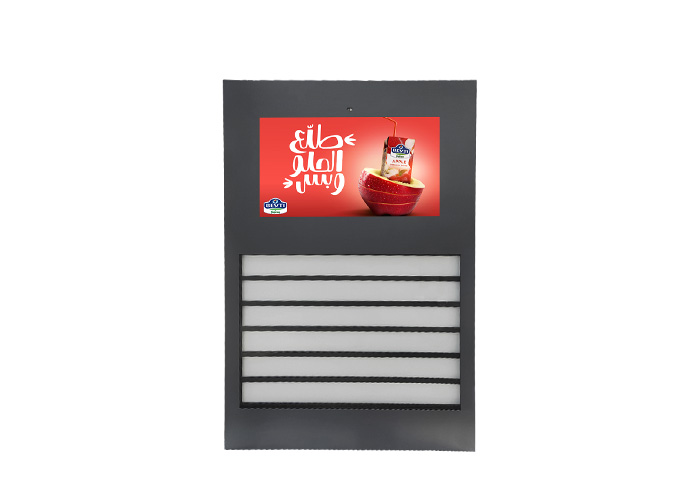

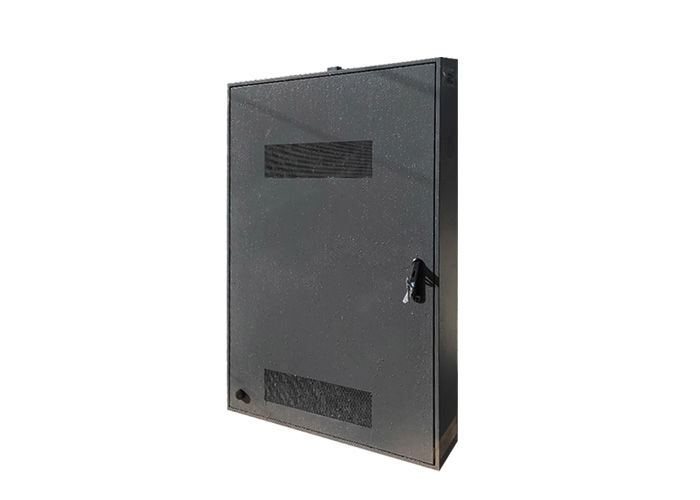
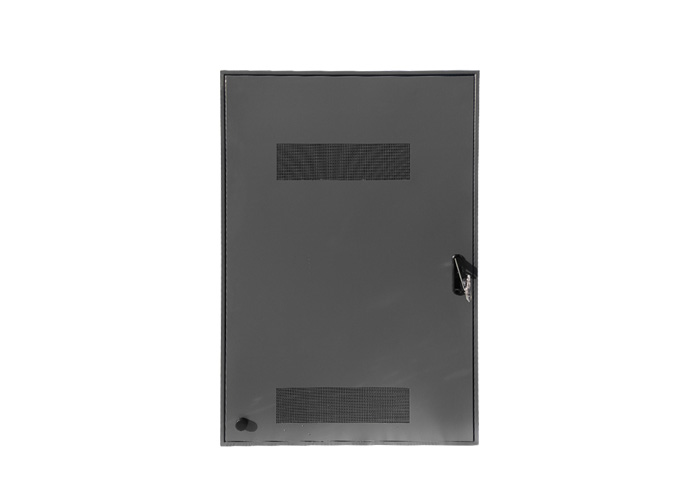
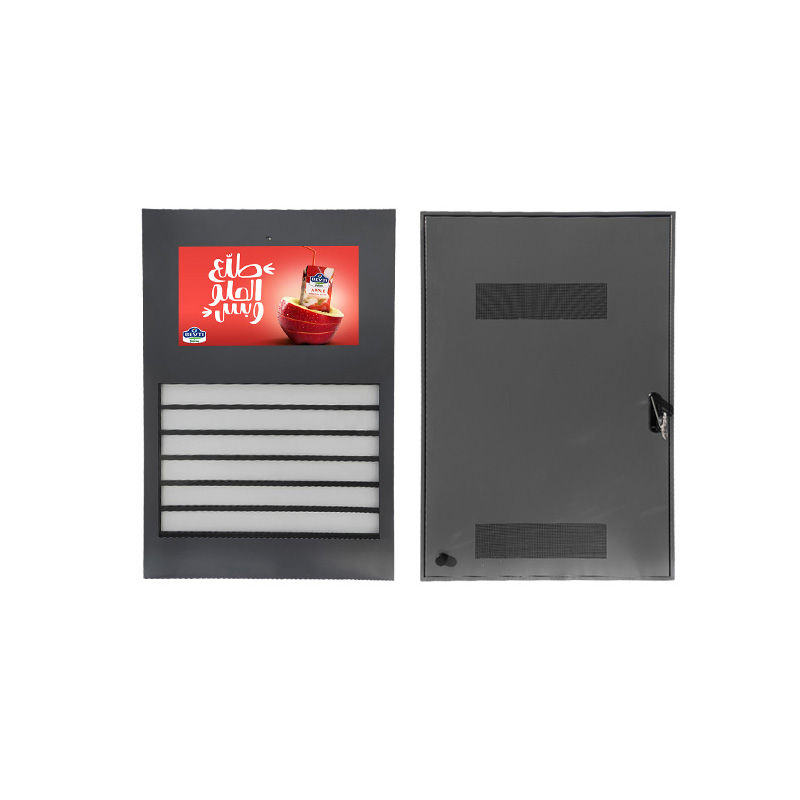
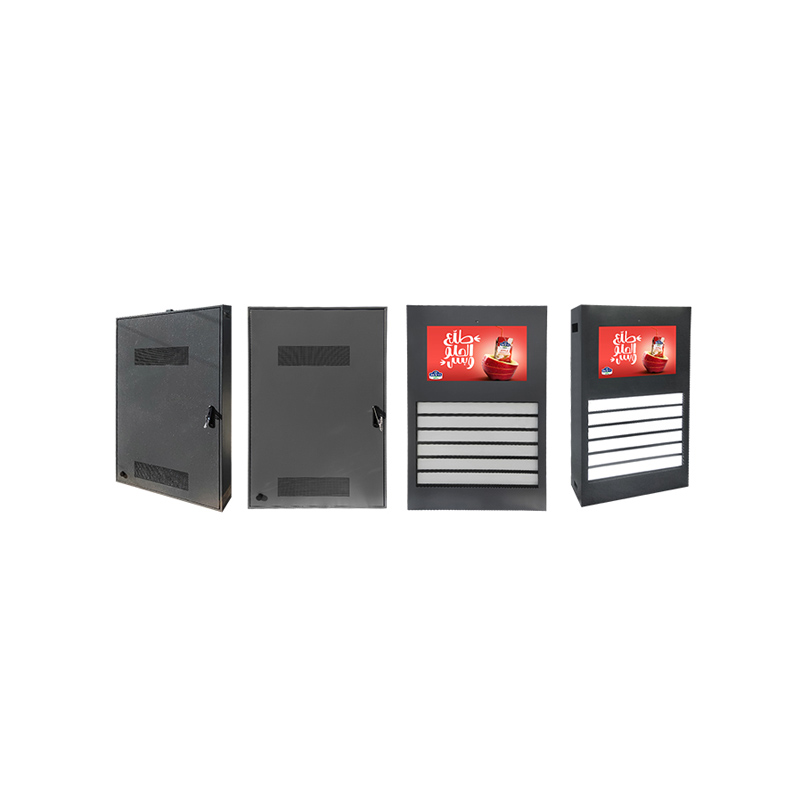
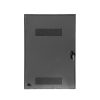
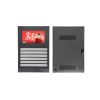
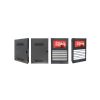
Advantages:
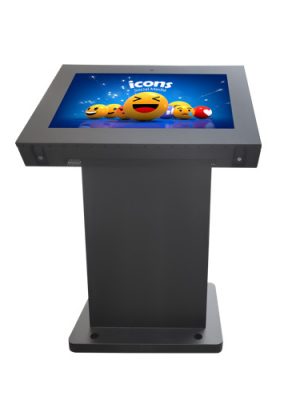
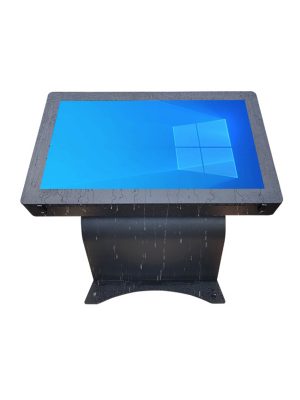
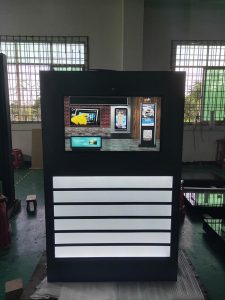
A public kiosk earns its place by reducing a specific inconvenience. Visitors may need to find a building, check opening hours, locate a service desk or read an urgent notice without waiting for staff. This 32-inch Android outdoor interactive totem provides a compact touchscreen interface for those everyday tasks.
The freestanding format can be installed near public entrances, pedestrian areas, campuses, tourist destinations and commercial developments. Android operation offers a familiar platform for running digital signage software, web-based information services and customized interactive applications.
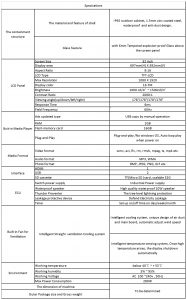
Most users will spend less than a few minutes at the kiosk. The interface therefore needs to deliver information quickly instead of presenting a complicated collection of features.
A well-designed home screen may contain four or five clear options, such as directions, local services, current notices, visitor information and emergency contacts. Large touch controls and short navigation paths help users complete a task without assistance.
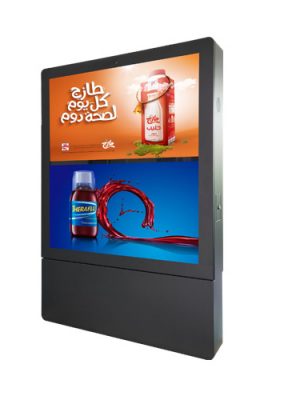
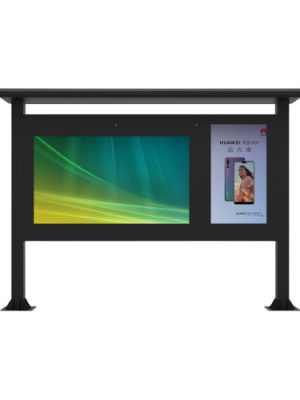
When no one is interacting with the unit, the ad display screen can run scheduled promotional content or public announcements. Touching the screen returns it to the interactive menu. This combination allows the same equipment to support information access and advertising without displaying both in a crowded layout.
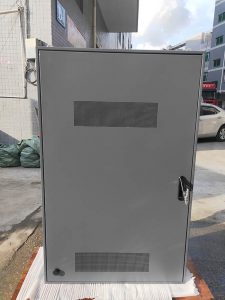
Android makes it easier to deploy compatible applications, but the operating system should be configured for unattended public use. Visitors should not be able to exit the approved interface, change system settings or access unrelated applications.
The project team should determine whether the kiosk will run a dedicated app, a controlled website or digital signage software. Automatic restart, scheduled shutdown and application recovery are useful when the screen operates without on-site technical staff.
Remote management may also allow administrators to update the ad display screen, check whether the player is online and publish urgent messages. Network access can be provided through Ethernet, Wi-Fi or an optional mobile connection, depending on the installation.
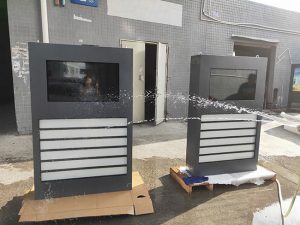
The totem should be positioned where people naturally pause without blocking pedestrian movement. Glare, screen height and approach direction all influence whether visitors will use it.
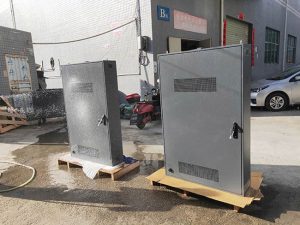
Power and network cables need a protected route through the base. Outdoor installation also requires attention to drainage, anchoring, enclosure sealing and internal temperature management. If the screen will receive direct afternoon sunlight, that condition should be stated before the thermal configuration is finalized.
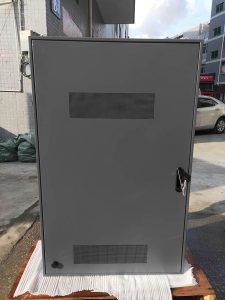
The service door must remain accessible after installation. Enough working space should be left for technicians to inspect the Android player, power supply, touch controller and cooling components.
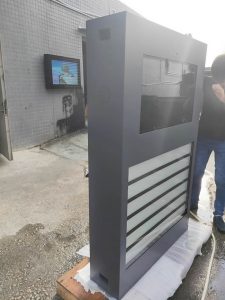
The 32-inch format is suitable for close-range interaction and medium-distance information. Text should remain larger than it would appear on a desktop website, and long paragraphs should be replaced with layered information.
The first screen can show essential choices, while detailed content appears after the user makes a selection. Advertising sequences should use short headlines and one clear call to action rather than attempting to reproduce an entire printed brochure.
Yes. The configuration can support a compatible dedicated application, web interface or digital signage platform. Software requirements should be provided before the hardware is finalized.
Yes. An idle-mode playlist can display promotions or announcements, with the interactive menu returning when a visitor touches the screen.
Not for every application. Local content can operate offline, while live information, remote updates and cloud monitoring require an appropriate network connection.
A properly planned ad display screen is more than an Android monitor inside a cabinet. This model gives system integrators a compact platform for public self-service when the software, installation height and outdoor protection are designed around real users.
Versatile Application:
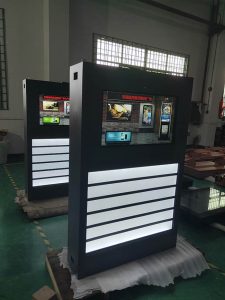
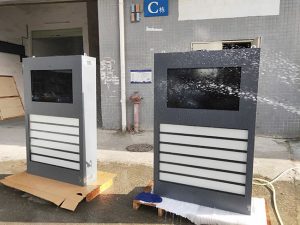
The ZXTLCD Outdoor Touch Kiosk extends beyond restaurants, making it a valuable asset for open-air activities and various other settings. From ticket purchases at amusement parks to self-service registration at outdoor events, this kiosk ensures a smooth and orderly process. It provides a user-friendly interface that guides customers through the selection and payment process, reducing confusion and improving the overall event experience.
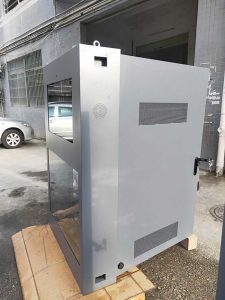
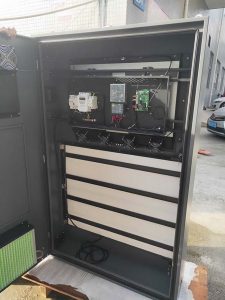
Revolutionize your restaurant and open-air activities with the ZXTLCD Outdoor Touch Kiosk. Experience seamless self-service, improved efficiency, and satisfied customers. Say goodbye to confusion and human errors, and unlock the potential of organized and streamlined operations.
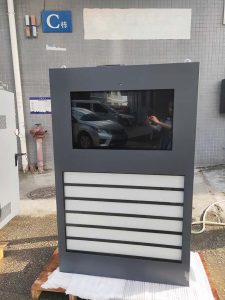
Tell us your required screen size, quantity and application. Our team will reply within 24 hours.